Video Editing Workflow: Streamline Your Process in 2026
 July 7, 202624 Minutes
Meta title: Video Editing Workflow for Podcasters
Meta description: Build a smarter video editing workflow for podcasts and creator content with studio-level steps, better edits, and faster turnaround.
URL slug: /video-editing-workflow-for-podcasters
Primary keyword: video editing workflow
Secondary keywords: podcast video editing, content creation workflow, video post-production process
You've felt it if you've ever opened a project and instantly lost momentum. One camera card is still named “Untitled.” The audio file lives on a desktop somewhere. The timeline stutters. You spend more time hunting for the right take than shaping the story. By the time the export finishes, the final edit looks passable, but it doesn't feel polished.
That isn't a creativity problem. It's workflow debt. Every shortcut taken before or during production shows up later as longer nights, weaker cuts, and a finished piece that never quite matches the idea in your head.
A professional video editing workflow fixes that. It turns editing from a scramble into a system. That's how high-output teams keep quality high without burning out, and it's also how creators move from “DIY enough” to content that looks ready for clients, sponsors, and serious audience growth. The same production mindset behind stronger video content strategy starts here.
The End of Editing Chaos
A lot of creators don't realize they're editing the same project three times.
First, they edit around mistakes they could've prevented during the shoot. Then they edit around disorganized media. Then they edit around technical friction like lagging playback, bad audio, and mismatched shots. The timeline becomes a rescue mission instead of a storytelling tool.
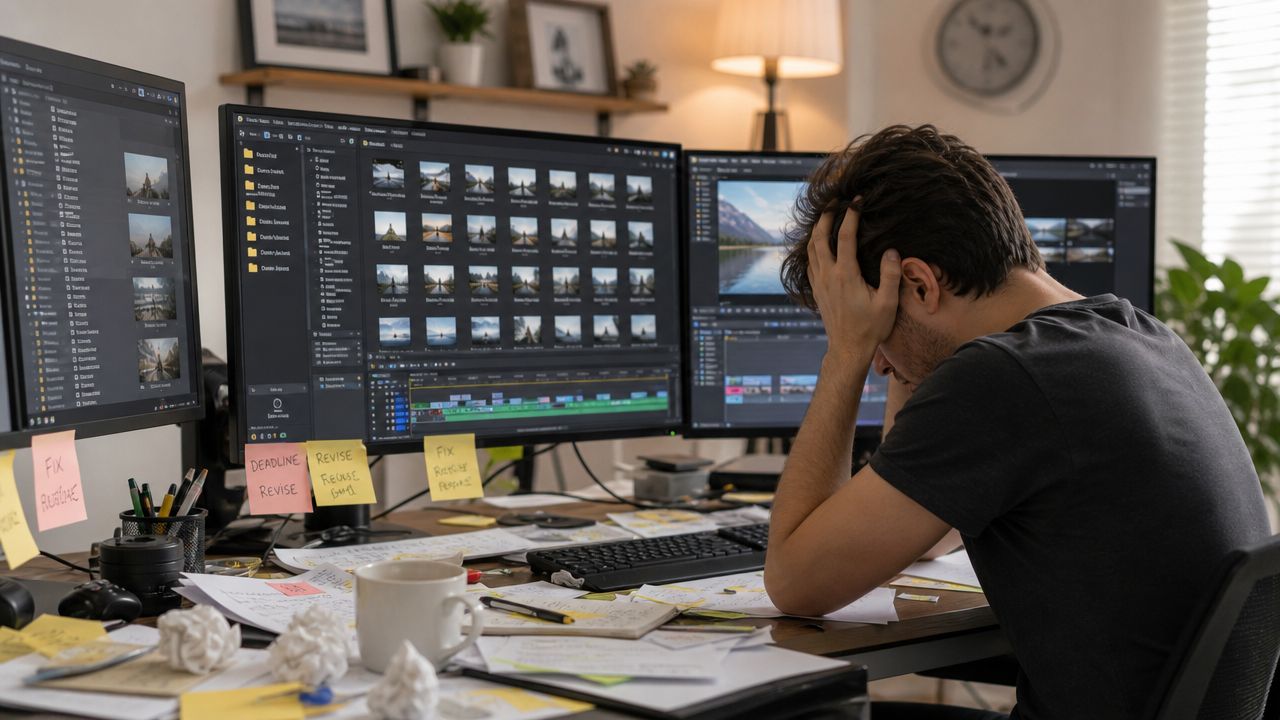
That's the gap between amateur effort and studio discipline. Ambitious podcasters and creators usually don't lack taste. They lack a repeatable system for turning raw footage into something clean, fast, and consistent.
A smooth edit starts before the timeline. By the time footage lands in your project, most of the important decisions should already be working in your favor.
The fix isn't a magical plugin or one keyboard shortcut. It's a production mindset. Good teams build a workflow that protects clarity at every stage: planning, recording, ingest, assembly, polish, export, and archive. Once that system is in place, editing gets lighter. Decisions get sharper. Turnaround gets faster. The work finally starts to look the way it sounded in your head.
The Foundation Before You Hit Record
Editing gets expensive when the shoot is vague. If the conversation rambles, if the cameras aren't matched, or if the room sounds hollow, post-production has to absorb every one of those problems.
Podcasters feel this quickly because their content depends on rhythm. A strong episode isn't just clear audio and decent framing. It needs usable pacing, intentional beat changes, and visual coverage that supports the conversation instead of trapping the editor in one static angle.
Shoot for the cut
The cleanest workflow starts with production choices that make editing easier later. That means planning segments, defining what the episode needs to say, and recording with the final format in mind.
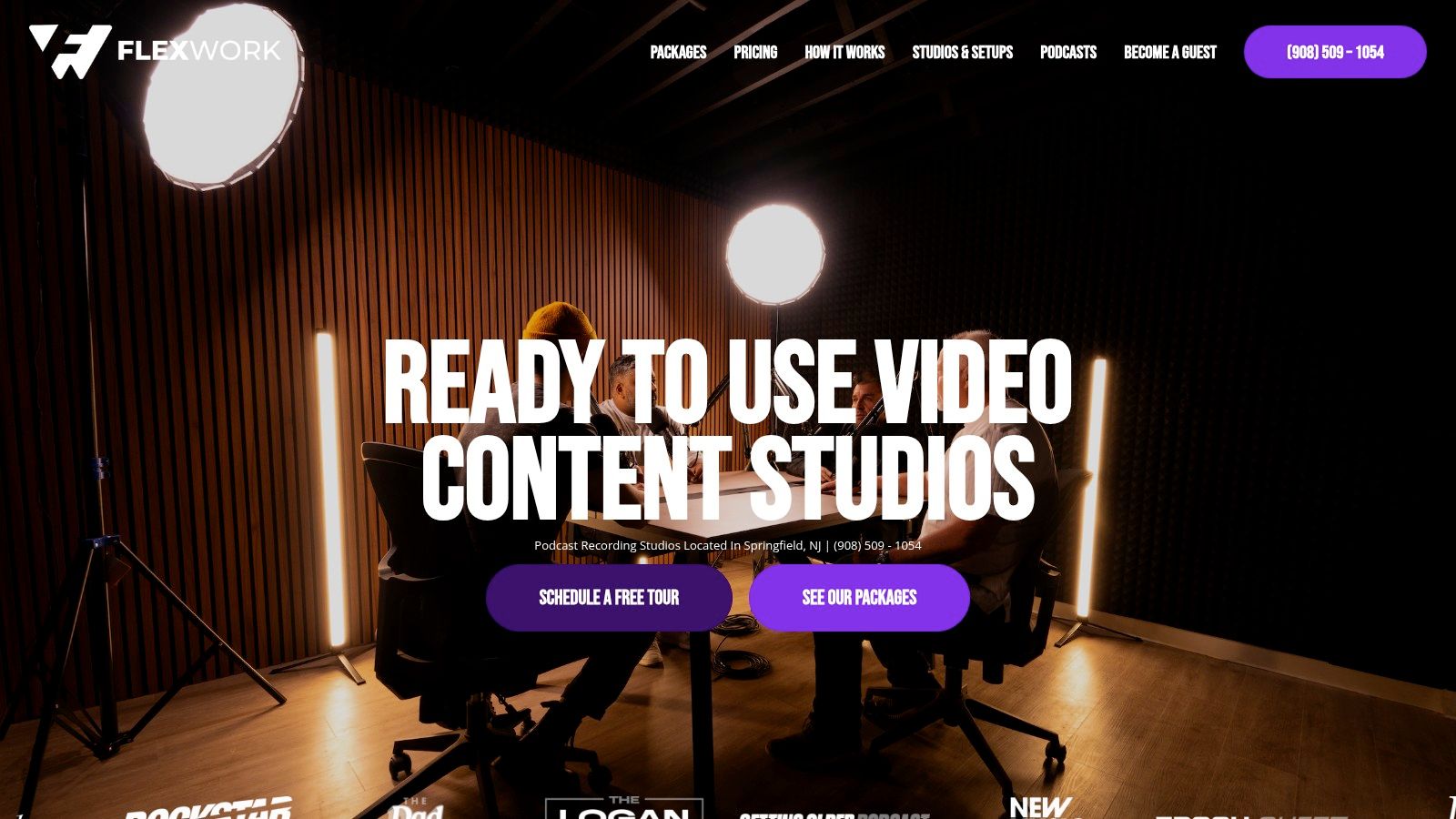
A podcast interview, for example, should be captured with options. A wide master shot gives you continuity. A tighter host angle and guest angle give you emotional control. Purposeful B-roll or detail shots help hide cuts, compress dead air, and create momentum for short-form clips.
Practical rule: If you know where the edit will need to breathe, you can record coverage for those exact moments instead of patching around them later.
Environment matters. Controlled lighting reduces matching work in post. Acoustically treated rooms reduce cleanup and make every mix easier. If you're still comparing recording setups, Flexwork's guide to lighting for video recording is useful because it focuses on choices that improve the footage before you ever import it.
Organize before the first frame exists
Most creators think organization starts after the shoot. It doesn't. Your file plan, naming system, and save protocol should exist before the cameras roll. That matters because the most common pitfall causing project failure in video editing workflows is the absence of a structured asset organization and versioning system, with statistics revealing that 70% of editing delays stem from misplaced files or untracked media, according to Dropbox's video editing workflow guide.
A simple pre-shoot structure prevents a lot of downstream friction:
- Name the project first: Use a format that includes show name, episode, and date.
- Label media cards and drives: Don't leave camera originals in generic folders.
- Match your shoot notes to filenames: If a producer calls out a strong section, that note should be traceable later.
- Decide your deliverables up front: Full episode, reels, vertical cutdowns, thumbnails, captions, and stills all affect how you shoot.
Pre-shoot edit-ready checklist
- Lock the episode angle: Know the story, the promise, and the audience takeaway.
- Build the shot list: Include master, medium, close, and any insert shots you'll want for transitions.
- Check audio in the room: Clean sound saves more time than almost any post trick.
- Set branding elements: Wardrobe, set colors, props, and lower-third needs should be decided early.
- Prepare your storage workflow: Drives, folders, card dumps, and backup plan should be ready before call time.
Professionals don't win in post by cleaning up chaos. They win by recording assets that are already editable.
Ingest Organize and Conquer Your Footage
Post-production usually goes off the rails in the first hour. Not because editors lack skill, but because the footage arrives with no logic attached to it. If the ingest phase is sloppy, every later decision takes longer.
The fix is simple. Treat ingest like setup, not admin.
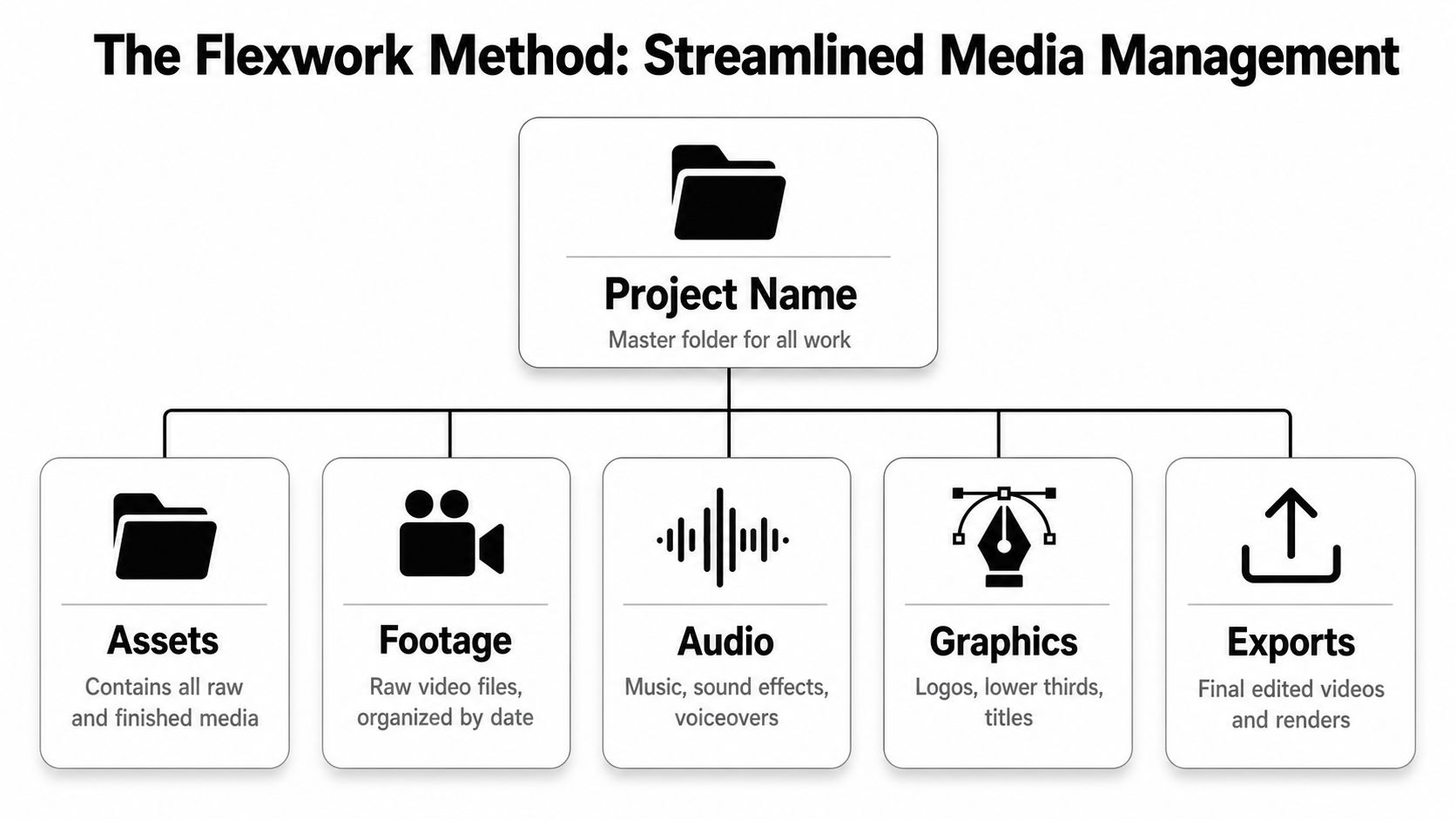
Build one home for the project
Use one master project folder and keep everything inside it. No desktop exports. No random downloads folder for music. No “final final” scattered across three drives.
Project Name
├── 01_Footage
├── 02_Audio
├── 03_Graphics
├── 04_Proxies
├── 05_Project_Files
└── 06_Exports
That structure isn't fancy. It's protective. When a client asks for a revision, when a producer hands off to another editor, or when you need to pull one quote for social six months later, the project still makes sense.
Use descriptive file names from day one. “CamA_Host_Wide” is useful. “MOV_2048” is not.
Proxy files are not optional
A lot of creators try to cut raw 4K or 6K footage directly because it feels faster in the moment. It isn't. You lose that time immediately in stuttering playback, lagging scrubs, and unnecessary system strain.
Editors who skip creating proxy files and work with raw 4K/6K footage often experience a 40% reduction in editing speed and a 25% increase in machine thermal stress, with 60% of amateurs encountering workflow interruptions due to unoptimized file handling, based on the benchmark details cited in this workflow discussion on proxy editing.
If you're building out your tool stack, this roundup of tools for content creators is a practical starting point because workflow quality depends as much on setup decisions as software brand loyalty.
Here's the core idea. Your camera originals remain untouched. Your editing software generates lighter proxy versions, often in formats like ProRes 422 LT or H.264. You edit those lighter files. When it's time to finish and export, the software reconnects to the full-resolution originals.
That gives you a responsive timeline without sacrificing final quality.
A quick visual helps if you're newer to this process:
Ingest sequence that actually works
Use this order every time:
Clone the camera cards first
Keep originals untouched. Don't drag random clips into a project and call it done.Verify audio before editing starts
Check sample rate, sync behavior, and whether each mic recorded correctly.Generate proxies immediately
Don't wait until the timeline starts choking.Rename clips by angle or scene value
Editors cut faster when they can read intent from filenames.Create bins that mirror your drive structure
Your software organization should reflect your storage organization.
A professional video editing workflow doesn't just protect speed. It protects your attention. Once the technical friction is gone, you can finally start shaping performance, pacing, and story.
From DIY Edits to Professional Storytelling
A lot of creators hit the same wall. The show is recording regularly, the conversation is strong, and the footage is usable, but every episode still takes too long to finish. More time goes into trimming pauses, fixing structure, and making clips than into publishing or growing the show.
That is the point where editing stops being a craft problem and becomes a production problem.
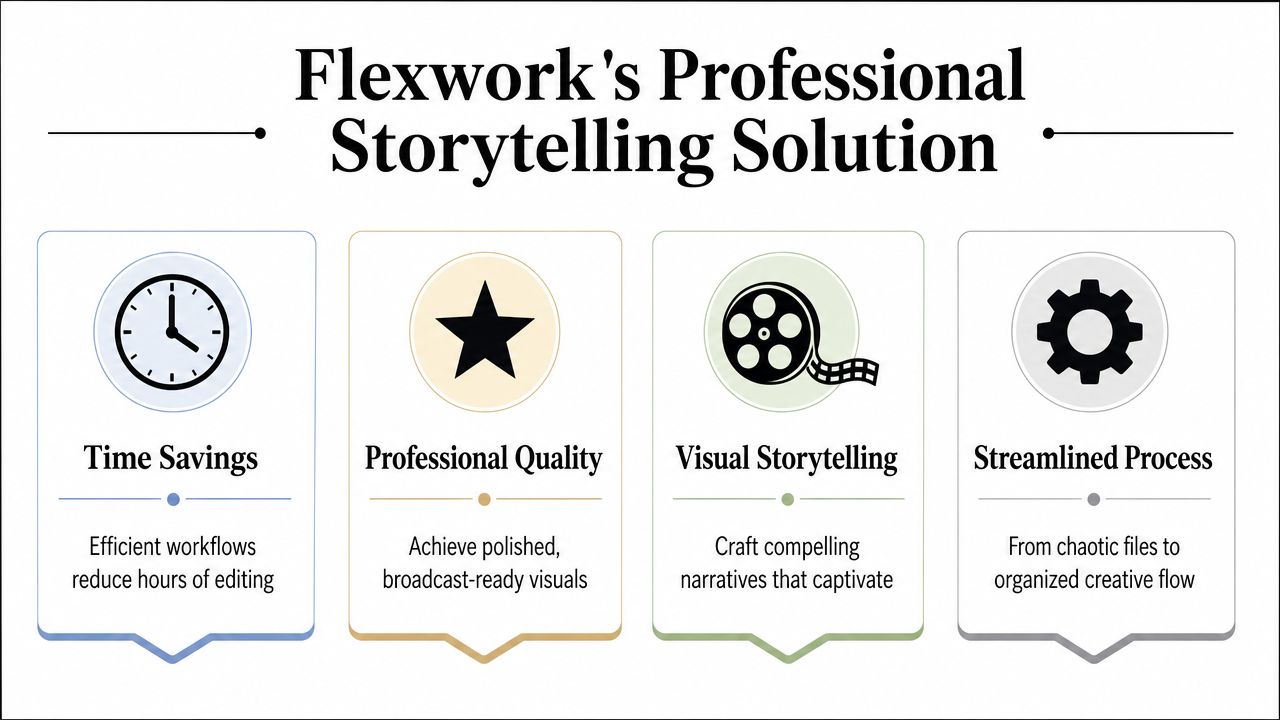
Professional storytelling is built in the edit
The jump from DIY editing to professional production usually comes down to decision quality. Strong editors choose the take with conviction, cut repetition before it drains momentum, shape the episode around a clear narrative thread, and create enough visual change to hold attention without making the piece feel over-edited.
That standard matters more now because the creator economy is crowded, and faster tools have changed what teams can reasonably produce. Skillademia notes that AI-assisted editing tools are reducing turnaround time for many professional teams in its video editing statistics roundup. The practical takeaway is simple. Automation can remove repetitive labor, but pacing, taste, and story judgment still need a human editor.
The best workflows use both. Transcript editing can speed up a first pass. Silence detection can clean dead air. Automated filler-word removal can save time on rough cuts. But no tool knows which pause adds tension, which tangent reveals character, or which reaction shot sells the moment.
That is still editorial work.
If you're experimenting with newer AI-supported visuals alongside podcast video, this guide to expert AI music video advice from AIMVG is worth reading. It's useful for understanding where automation helps and where creative direction still matters most.
When creators outgrow fully DIY edits
Three situations usually signal that a creator needs more than solo editing time.
| Situation | What starts breaking | Better move |
|---|---|---|
| Weekly podcast publishing | Turnaround speed and consistency | Hand off editing and finishing |
| Multi-format content output | Full episodes do not turn into clips efficiently | Build a repeatable repurposing system |
| Brand growth stage | Visual identity feels inconsistent | Add templates, graphics, and a review process |
For podcasters, outside support works best when it functions like production infrastructure, not just task outsourcing. A package like “Be My Podcast Producer” makes sense when the ideas are strong but the edit needs tighter pacing, cleaner sound, better visual rhythm, and dependable delivery every week.
The larger option is “Market, Manage & Produce My Podcast,” which starts at $1500 per episode with a 20-episode growth commitment. That kind of setup fits teams that need release management and audience growth support alongside post-production.
High-output creators need a different editing model
Founders, coaches, and hosts often get better results from concentrated recording days than from scattered sessions across the month. Content Days are $3000/day and include 20 edited reels or 60 pro photos. That changes the edit before post-production even begins because the footage is captured with specific deliverables, framing choices, and clip strategy already in mind.
Distribution matters too. Podcast websites are $5000 plus hosting, which matters because polished episodes lose commercial value when the show has no credible home base.
Visual identity also needs repeatability. A good lower-third package, intro system, transition style, and caption treatment do more for perceived quality than random flashy effects. If motion design is part of your brand system, this guide on how to create motion graphics is a useful reference.
One production option in this category is Flexwork Podcast Studios, which offers studio recording, editing, sound mixing, motion graphics, and podcast growth support in one place. For creators who are tired of coordinating separate freelancers, separate review rounds, and inconsistent outputs, that kind of setup can make production easier to manage and easier to scale.
The Final Polish That Sets You Apart
Most edits are technically finished before they feel finished. The cuts are in place. The runtime is right. The export works. But the piece still feels thin.
That final gap usually lives in three places: audio, color, and graphics. Amateur content often announces itself in these areas, even when the camera is solid and the conversation is strong.
Audio is the first quality signal
Viewers forgive a lot visually. They don't forgive listening fatigue. If dialogue is uneven, music masks key phrases, or room tone changes from cut to cut, the production instantly feels less trustworthy.
The fix isn't “make everything louder.” It's balance. Dialogue has to sit forward. Music has to support, not compete. Sound effects should add punctuation, not distraction. That work gets easier once the edit is stable, which is why professional teams picture lock before serious sound work begins.
Three audio mistakes show up constantly:
- Inconsistent dialogue levels: One speaker sounds intimate, the next sounds distant.
- Overbuilt background music: The track feels cinematic, but it steals clarity from the host.
- Ignoring edit seams: Hard cuts in room tone make a podcast video feel choppy even when the visuals are smooth.
Color does two jobs
First, color correction fixes problems. It matches exposure, balances white balance, and gets cameras speaking the same visual language.
Then color grading creates intent. A polished interview can feel crisp and modern, warm and conversational, or dramatic and high-contrast depending on the brand. Creators often skip that distinction and wonder why the footage looks “fine” but not memorable.
Clean color says the production is competent. Intentional color says the production knows who it is.
If you're still deciding which platform fits your editing style, this review of video editing software options helps clarify where different tools fit different workflows.
Graphics carry brand memory
Custom lower thirds, title cards, end screens, subtitles, and motion elements do more than decorate a timeline. They create repeatability. They teach the audience what your content looks like before they even hear the first sentence.
Good graphics also solve practical problems. Captions improve accessibility and social performance. Name keys remove friction in interviews. Branded transitions make clip repurposing cleaner.
AI now helps here too. In 2024, 77.9% of professional editors had already integrated AI into their workflows, with 1 in 3 teams now using AI to reduce manual labor by up to 50% for tasks like sound balancing and title generation, allowing more focus on creative storytelling, according to World Metrics' video editing industry statistics.
That's the right use of automation. Let software handle repetitive cleanup and templated support work. Keep human judgment for taste, timing, emotion, and brand voice.
Export Archive and Amplify Your Content
A polished edit can still fall apart at delivery. The wrong export preset softens the image, a file name sends the team to the wrong version, or a paid social cut gets rejected because the frame size is off. Then three months later, someone asks for a trailer, sponsor update, or vertical remix, and the clean master is nowhere to be found.
Professional post teams treat delivery as part of production, not an afterthought. That shift is what closes the gap between a DIY edit and a studio-grade content system.
Export for the platform you're serving
Different platforms reward different outputs. A YouTube master, a podcast site upload, a vertical social clip, and a paid ad asset should not all come from the same one-size-fits-all export.
A practical package usually includes:
- Full-length horizontal master: For YouTube, website embeds, and long-form hosting
- Vertical social cutdowns: For Reels, Shorts, and TikTok distribution
- Captioned versions: For muted autoplay feeds
- Clean and texted variants: So future promos and sponsor edits do not require rebuilding graphics
That extra prep saves time later. It also protects quality, because each version is built for its actual use instead of being forced into a crop or compression setting it was never designed for.
If paid distribution is part of the plan, formatting mistakes get expensive fast. This guide to fixing Facebook video ad sizing issues is a useful reference when adapting content for campaign use.
Archive like you'll need the footage again
You probably will.
Store approved masters, project files, graphics packages, audio stems, transcripts, and review notes under one clear project record. Use file names that show status and date. Keep version history obvious. A creator working solo may think this is overkill until a brand partner asks for a cutdown in a new aspect ratio, or a guest clip needs to be repurposed for a launch.
Finished episodes should behave like reusable assets, not one-off posts.
The handoff process matters just as much. Promax advises remote editing teams to set clear review protocols and use online review tools that let collaborators comment directly on the timeline in its remote editing workflow guidance. That practice keeps feedback specific, reduces version confusion, and shortens revision rounds.
The bigger win
A disciplined workflow improves more than the edit itself. It gives podcasters and creators a repeatable production model that can support clips, ad creative, sponsor deliverables, and future repackaging without rebuilding the project from scratch each time.
That is how personal content operations start to work like professional studios. The software still matters, but the primary upgrade is the system around it.
If you're ready to stop patching together a DIY process and build a cleaner production system, explore Flexwork Podcast Studios. You can book a tour, review studio and production options, or find the setup that fits your show, your schedule, and the level of polish you want your content to carry.