
Video Editing for Content Creators: A 2026 Guide
 May 9, 202625 Minutes
Meta description: Video editing for content creators. Learn what to do yourself, what to outsource, and how to scale polished video without burning out.
URL slug: /video-editing-for-content-creators
Primary keyword: video editing for content creators
Secondary keywords: short-form video editing, podcast video production, video editing workflow
You recorded a strong episode. The conversation landed, the clips are there, and the ideas are worth publishing. Then the actual work starts. You open your editor, scrub through footage, fix audio, trim pauses, add captions, and suddenly the part that was supposed to “just take an hour” has hijacked your week.
That's not a personal failure. It's the normal bottleneck. Editing is the most time-intensive phase of video production, and 78% of creators identify it as the primary workflow bottleneck, according to Kapwing's video marketing statistics. If you're serious about growth, you need a cleaner system for video editing for content creators. Sometimes that means tightening your own process. Sometimes it means using better tools, including resources with strong video support. And sometimes it means admitting your current workflow has stopped serving the business.
If you're still deciding what should stay in-house and what should move out, this breakdown of video editing software options is a good companion read.
Your Guide to Professional Video Editing
The creator trap is simple. You start by doing everything yourself because that's efficient. Then the audience grows, the content calendar expands, and DIY stops being efficient at all. You're no longer saving money. You're trading away strategy time, sales time, and creative energy for timeline cleanup.
Professional editing changes the role of video in your business. It stops being a recurring task and starts becoming an asset system. One long-form recording can become a polished full episode, a reel sequence, website clips, teaser assets, and social cutdowns with consistent branding.
Practical rule: If editing keeps delaying publishing, the problem isn't your ambition. It's your workflow.
High-level creators don't obsess over whether they can make every cut themselves. They care whether the final content looks sharp, sounds clean, and gets out the door on schedule. That's the standard.
The Creator Dilemma Speed Versus Quality
Most creators don't struggle because they lack ideas. They struggle because every upload forces a bad choice. Publish fast and accept rough edges, or polish obsessively and miss your posting rhythm.
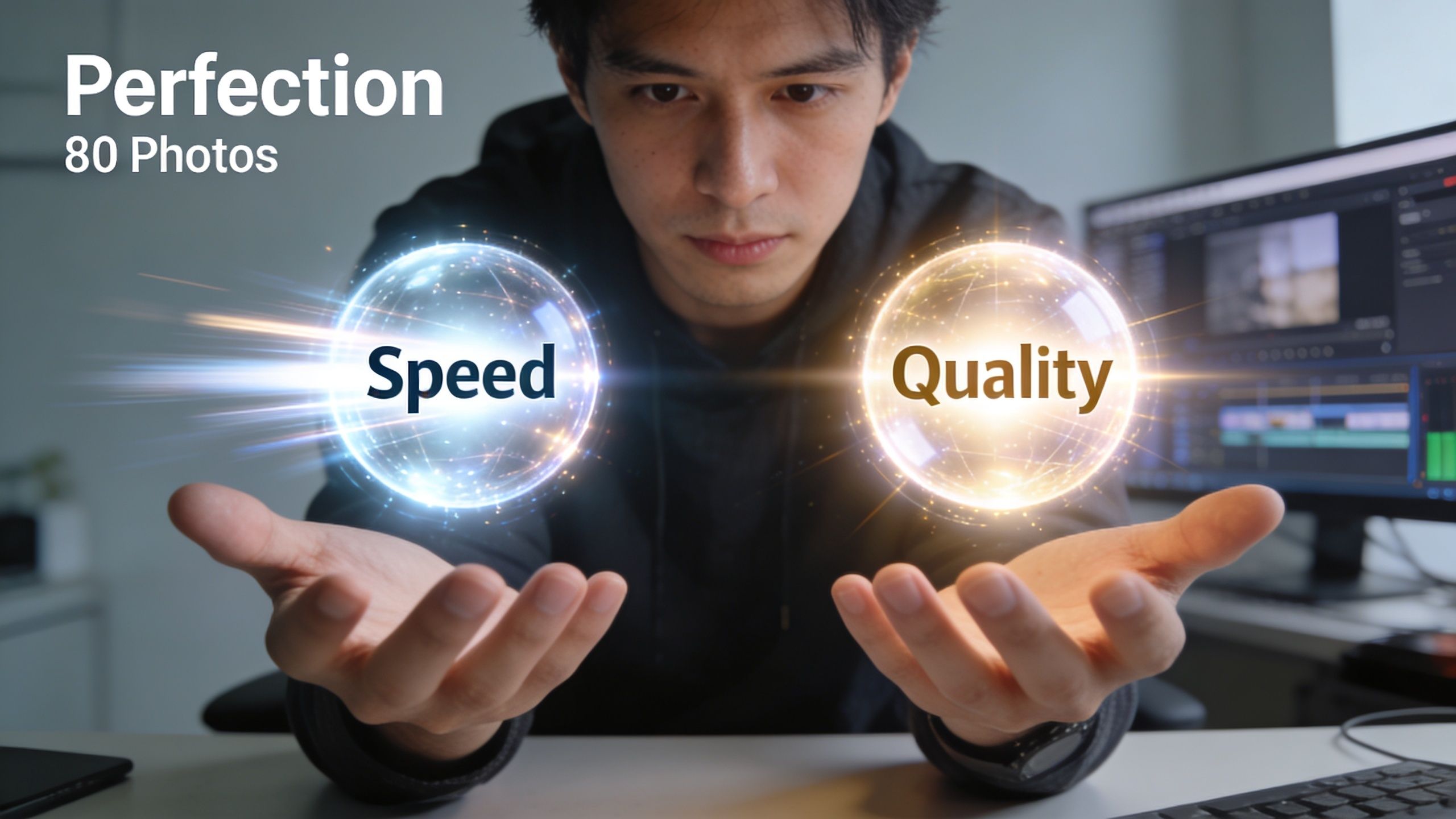
That trade-off gets expensive quickly. Viewers forgive a lot, but they don't forgive friction. If your cuts feel abrupt, your audio shifts between speakers, or your lip sync looks off, people leave before your point lands. A 2025 VidIQ study on over 10,000 channels found that 68% of viewer retention loss in the first 30 seconds came from lip-sync issues and other audio-video desynchronization problems, as cited in this VidIQ YouTube breakdown.
What DIY usually gets wrong
DIY editing often falls apart in the unglamorous parts of post-production.
- Audio consistency: One speaker is too quiet, the next peaks, and the room tone changes between cuts.
- Edit rhythm: Hard cuts land at awkward moments, making the conversation feel stiff instead of fluid.
- Color and framing: Camera angles don't match, skin tones drift, and punch-ins look improvised rather than intentional.
- Export decisions: A horizontal master gets chopped into vertical clips with poor reframing and weak captions.
None of this sounds dramatic in isolation. Together, it signals low production value. Audiences may not know the technical issue, but they feel it immediately.
Burnout starts before creators notice it
The true danger isn't ugly editing. It's creative drag. You start postponing shoots because you're still cleaning up the last batch. You stop experimenting because every new format creates more post-production work. Your content operation gets slower as your goals get bigger.
If your editing queue controls your publishing schedule, your production system is upside down.
That's why speed versus quality is the wrong frame for ambitious creators. The vital question is capacity. Can your current workflow produce consistent quality at the volume your brand now requires? If the answer is no, you need either stronger systems, stronger tools, or outside support.
A useful starting point is upgrading the gear and platforms inside your process. This overview of tools for content creators helps clarify where simple workflow improvements can remove friction before you outsource.
Core Editing Principles for Polished Content
Polished video rarely comes from fancy effects. It comes from restraint, timing, and knowing where the viewer's attention should go next.
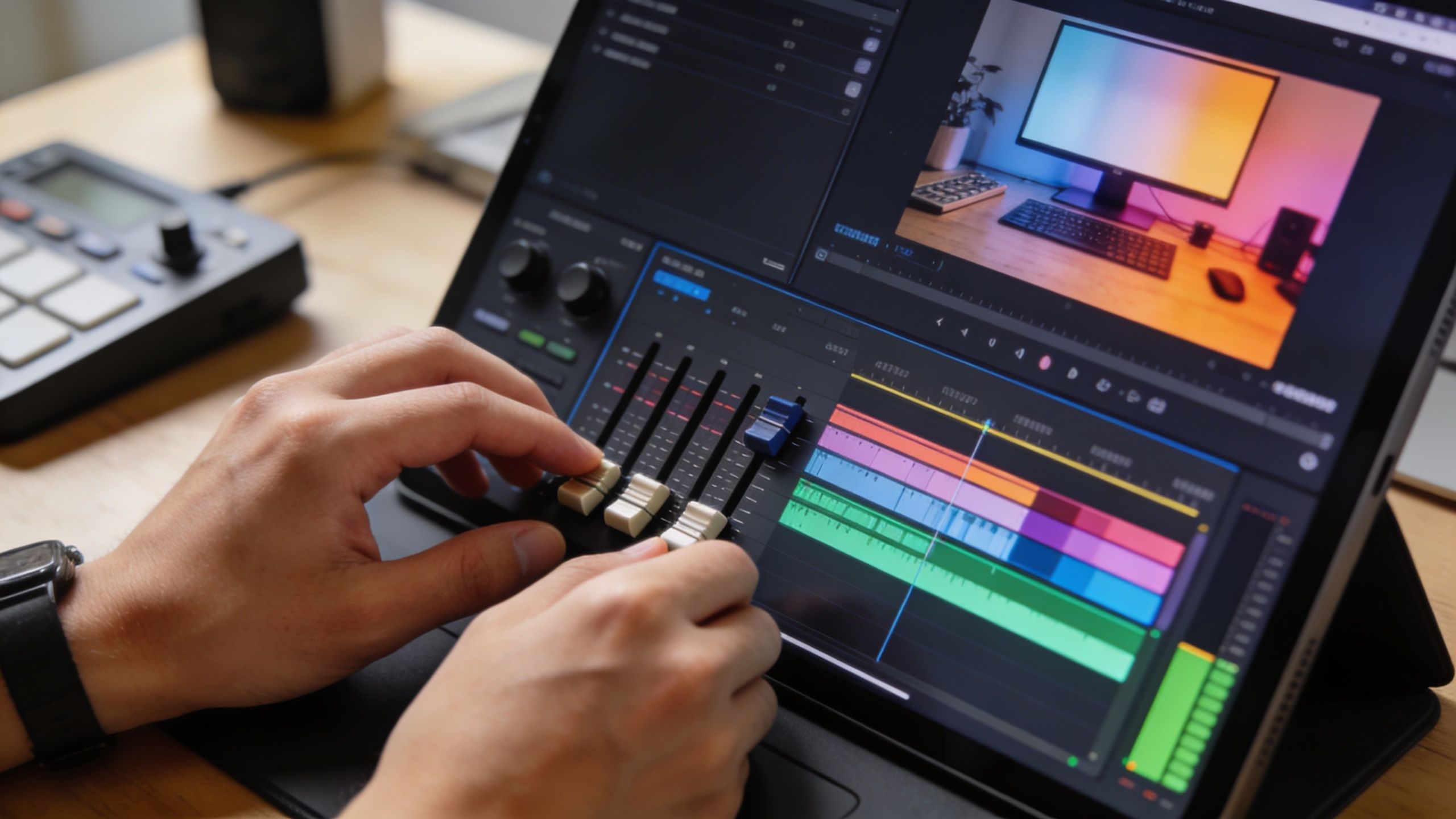
Use J-cuts and L-cuts to make conversation feel human
Most amateur edits slice audio and video at the exact same moment. That's clean on a timeline, but it often feels unnatural on screen. Real conversation overlaps. Thought arrives before the face changes, or a voice lingers just after the camera cuts away.
That's what J-cuts and L-cuts solve.
- J-cut: You hear the next speaker before you see them.
- L-cut: You still hear the previous speaker after the visual has already changed.
Used well, these cuts smooth transitions and make interviews, podcasts, and talking-head content feel more cinematic. They also help retention. Implementing L-cuts and J-cuts can increase average view duration by 15-25% in short-form content, according to this professional tutorial on L-cuts and J-cuts.
Think of them as conversational cushioning. They remove the “edited” feeling without making the edit invisible by accident.
Editing note: If a cut feels harsh, don't reach for a flashy transition first. Extend or lead the audio and test the scene again.
Cut on action instead of between actions
If someone turns, gestures, reaches for a mug, or laughs and leans forward, that movement gives you cover. Cutting inside motion is one of the oldest editing tricks because it works. The eye follows action. The brain accepts continuity.
For creators, this matters most in multicam podcasts, host intros, and B-roll overlays. A punch-in during a hand gesture looks intentional. A random jump cut between still frames looks like a mistake.
Use this simple checklist:
- Watch for movement peaks: Gestures, nods, hand raises, and body turns give you natural edit points.
- Use punch-ins with purpose: A tighter crop should reinforce emphasis, not hide sloppy timing.
- Let B-roll earn its place: Add supporting footage where the story benefits, not where the timeline looks empty.
A lot of creators over-edit because they don't trust the material. Better editors do the opposite. They protect strong moments and intervene only where pace, clarity, or energy needs help.
A strong sense of narrative matters more than technical bravado. If you want a sharper editorial lens, this article on creating compelling story-driven content is worth studying.
Here's a useful visual reference for pacing and editorial decision-making:
Pace for attention, not for ego
Not every pause is dead air. Not every silence should be cut. Good pacing means deciding what the moment needs. A high-energy reel wants compression. A thoughtful interview may need a beat of breathing room.
The mistake is making every video move at the same speed. Your audience doesn't want constant motion. They want momentum.
The Modern Creator Workflow from Shoot to Post
Most editing problems begin before editing. Files are scattered, card names are meaningless, takes aren't labeled, and no one remembers which camera had the cleanest audio. By the time post starts, the project is already losing money.

Build the edit before you open the timeline
A professional workflow is less romantic than most creators expect. It's mostly organization and decisions.
Pre-production
Decide the purpose of the piece before cameras roll. Is this a full episode, a sales asset, a reel bank, or all three? If the answer is “all three,” plan for that during the shoot.Ingest and label footage
Rename files, separate camera angles, mark the master audio, and log your standout moments. A messy ingest creates a messy edit.Create the assembly cut
This is the structural pass. You're not polishing yet. You're deciding what stays, what goes, and where the story starts.
A fast edit usually comes from a disciplined prep process, not from editing faster.
Finish in layers, not all at once
Trying to do everything in one pass is how creators waste entire afternoons. The cleanest workflow handles post in stages.
| Stage | What to focus on |
|---|---|
| Story cut | Remove weak sections, reorder beats, tighten the narrative |
| B-roll and visual support | Add demos, screenshots, product shots, reaction angles |
| Audio cleanup | Balance levels, reduce distractions, clean transitions |
| Color pass | Match cameras, correct exposure, create consistency |
| Graphics and captions | Add titles, lower thirds, branded text, callouts |
| Export versions | Deliver platform-specific formats, aspect ratios, and captions |
This layered method also makes collaboration easier. If you're working with a team, everyone can comment on the right stage instead of arguing about fonts before the structure is locked.
For creators who want a lightweight production companion in early ideation and asset generation, the LunaBloom video creation platform can help streamline the front end of the workflow before the final polish happens in a dedicated edit environment.
Review like an operator, not like the talent
Most creators review their own cuts emotionally. They focus on how they looked, how their voice sounded, or whether a line felt awkward to record. That's the wrong lens. Review the content as a viewer.
Ask better questions:
- Does the opening earn attention quickly?
- Is any section repeating a point that was already clear?
- Do the visuals help the story or just decorate it?
- Would this still work with captions on mute?
If your team batches shoots, cleaner planning matters even more. This guide on maximizing studio time for content teams is especially useful when one session needs to feed multiple weeks of output.
Repurposing for Reels Shorts and TikTok
A long-form episode is raw material. It is not your social strategy. The creators who get the most value from a shoot don't just publish the full cut and move on. They mine it for moments with clear emotional shape.
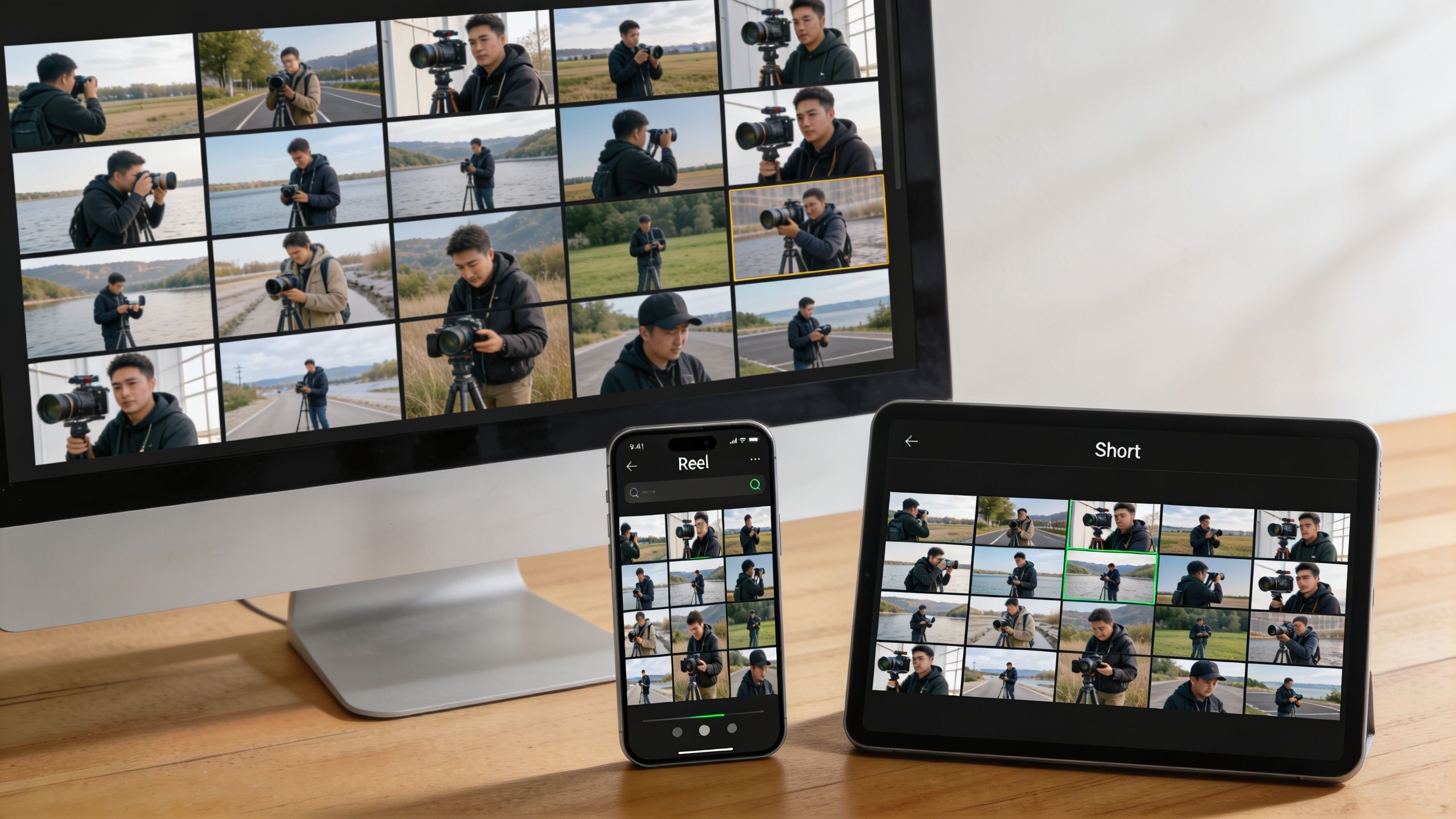
Short-form editing has its own rules. It rewards clarity, compression, and pattern interruption. If you chop a horizontal interview into vertical fragments, the result usually feels lazy.
The first seconds decide everything
Most creators lose the room at this stage. According to internal 2026 platform reports, 82% of YouTube Shorts fail to retain viewers past the 3-second mark if they lack compelling micro-transitions or a strong narrative hook, as referenced in this YouTube Shorts editing clip.
That means your opening has one job. Create immediate curiosity.
Strong hooks often start with:
- A direct claim: “Most founders are publishing the wrong clips.”
- A tension line: “This looked like a great episode until we tried to cut it for shorts.”
- A payoff teaser: “The answer was hidden in one sentence near the end.”
Don't clip moments. Build mini-stories
The best reels aren't random excerpts. They have an arc. Setup, tension, payoff. Sometimes it happens in a few lines. Sometimes it's just a question and a sharp answer. But there has to be movement.
Use this framework when repurposing:
- Find the friction: Pull the line where someone disagrees, confesses, predicts, or reframes.
- Trim aggressively: Remove any runway before the point. Short-form rewards immediacy.
- Add visual reinforcement: Captions, speaker labels, screenshots, or subtle motion graphics keep the eye engaged.
- End with direction: Give the clip a reason to lead somewhere, whether that's the full episode or the next post.
Short-form editing isn't compression. It's reconstruction.
Formatting matters too. Vertical exports need proper framing, readable captions, and safe text placement. If you need a current reference for platform requirements, this guide on optimizing Instagram video specs is practical and easy to use.
One recording should feed a full content cycle
A good repurposing session should leave you with multiple asset types, not just one clip batch.
Consider producing:
- Authority clips for thought leadership
- Reaction snippets for social engagement
- Promo trailers that drive viewers to the full episode
- Evergreen quote cuts for slower content days
If you want a repeatable framework for turning one episode into a broader content engine, this breakdown on repurposing a podcast episode into multiple content assets is the right next move.
When DIY Hits Its Limit The Flexwork Solution
Monday starts with good intentions. By Wednesday, you are still fixing audio, chasing exports, resizing clips for three platforms, and answering revision notes you created for yourself. The actual cost is not the editing time. It is the work you did not do while post-production took over your week.
That is the point where DIY stops being efficient.
Editing your own content can work early on. It gives you taste, speed, and control. But once your publishing schedule tightens and your brand standards rise, editing becomes a bottleneck. You are no longer making creative decisions. You are managing a production queue that pulls you away from recording, sales, partnerships, and strategy.
Analysts at Mordor Intelligence expect the video editing market to keep growing, with cloud-based workflows gaining ground as more businesses build connected production systems. Serious creators are following the same path. They are replacing ad hoc editing with repeatable operations.
Outsourcing is an investment in growth
A strong production partner improves three things at once:
- Time: You get hours back for the work only you can do.
- Consistency: Your videos keep the same visual standard across episodes, reels, and campaigns.
- Capacity: Publishing no longer depends on how much editing energy you have left after everything else.
That matters even more for podcasters shifting into video. Audio-first creators usually underestimate the volume of post-production decisions that come with multicam edits, vertical cutdowns, graphics, captions, and delivery formats. The workload stacks fast.
Match the service to the stage of the business
High-volume creators often need batching. Content Days are $3000/day and include 20 edited reels or 60 pro photos. That model works well when the goal is to build a larger content pipeline from one production session.
Established shows need infrastructure too. Podcast websites are $5000 plus hosting. That spend supports discoverability, credibility, and distribution. It should be evaluated as business infrastructure, not as a line-item editing cost.
Teams treating content as a growth channel usually need more direct support. The Market, Manage & Produce My Podcast package starts at $1500 per episode with a 20-episode growth commitment. That kind of engagement fits creators who want a real production system, not occasional editing help.
Flexwork Podcast Studios offers turnkey podcast and video production, including studio rentals, editing, sound mixing, motion graphics, distribution support, and content-day batching in Springfield, New Jersey.
Bottom line: If publishing delays are growing and quality is slipping, the answer is not more discipline. It is a production model built to support growth.
Elevate Your Brand with Professional Production
Video editing for content creators isn't just about software skill. It's about judgment. What to cut, what to keep, what to repurpose, what to publish now, and what deserves a more polished treatment.
The creators who break through usually learn the same lesson. DIY is useful at the beginning. It becomes limiting once brand quality, consistency, and speed all need to rise together. At that point, professional production stops looking like overhead and starts looking like a competitive advantage.
If your content is tied to your reputation, your offers, or your audience growth, treat production accordingly. Tight editorial choices, cleaner delivery, and a reliable publishing system change how people perceive your brand. What's more, they free you to spend your time where only you add value.
Frequently Asked Questions About Video Editing
What's the best software for video editing for content creators
It depends on your workload and how far you need the software to take you. If you're a beginner, use a platform with simple trimming, captions, and exports so you can publish consistently without fighting the interface. If you're producing multicam interviews, branded reels, and full episodes, use a more powerful editor that gives you better control over audio, color, and versioning.
Choose based on workflow, not status. The wrong “pro” tool can slow you down more than a simpler one.
How long should it take to edit a 10-minute video
There isn't one universal number, because the answer changes with the footage quality, number of cameras, graphics, captions, and revision standard. A straightforward talking-head edit moves much faster than a multicam podcast with B-roll and multiple social versions.
What matters is this: if editing a short video routinely swallows your schedule, the issue is no longer just craft. It's process. Tight file organization, better templates, and clearer shot planning reduce edit time immediately.
What order should editing, color, and audio happen in
Use this sequence:
Edit the structure first
Lock the story before polishing details.Clean the audio next
Fix levels and distractions once you know what footage remains.Handle color after the cut is stable
Don't waste time grading clips you may remove.Add graphics and captions near the end
That way your text timing matches the final edit.Export for each platform last
Reframe and package once the master is approved.
That order keeps you from redoing work and makes revisions much easier.
If you're ready to stop spending your best hours inside the timeline, explore Flexwork Podcast Studios. You can book a studio session, review production options, or plan a content day that turns one recording block into a polished library of episodes, reels, and branded assets.