The 12 Best Free Podcast Editing Software in 2026
 February 7, 202646 Minutes
In the competitive world of podcasting, your audio quality is your brand's handshake. A crisp, clean sound elevates your message, while choppy edits and distracting background noise can make listeners tune out before they’ve even heard your big idea. For ambitious creators, sounding professional isn't a luxury; it's a necessity. But diving into audio editing can feel like a full-time job, pulling you away from what you do best: creating exceptional content. At Flexwork Studios, we see creators navigating this challenge every day.
This guide provides the clarity you need. We’ve curated a definitive list of the best free podcast editing software available, from robust desktop applications to sleek, browser-based tools. You'll learn which tools are perfect for launching your show and when it’s time to graduate from the DIY grind. Think of these platforms as your training ground—fantastic for mastering the basics, but just the first step in building a premium brand. As your vision grows, your workflow needs to scale with it. Let’s find the right software to begin your journey.
The DIY Dilemma: When Free Software Isn't Free
The allure of "free" is powerful, but for driven entrepreneurs and creatives, time is the most valuable currency. While the software on this list costs no money, it demands a significant investment of your time—hours spent learning complex interfaces, troubleshooting technical glitches, and meticulously editing episodes. This is what we call "DIY burnout." It's the point where the time you spend on production starts to cannibalize the time you could be spending in your business, focusing on high-impact activities like guest outreach, content strategy, and monetization.
Inconsistent quality is another common pain point. One episode might sound great, but the next, recorded in a different environment, suffers from background noise or uneven levels. This inconsistency can undermine your brand's credibility. Listeners crave a reliable, high-quality experience, and a polished, professional sound is a key part of delivering that. Free tools get you started, but a professional workflow ensures you always sound your best.
The Flexwork Solution: From DIY to Done-For-You
This is where a strategic partnership changes the game. At Flexwork Studios, we bridge the gap between ambitious ideas and flawless execution. Our production packages are designed for creators who are ready to trade the editing grind for strategic growth and professional polish.
For those ready to scale their impact, our "Market, Manage & Produce My Podcast" package is the ultimate all-in-one solution. Starting at $1500 per episode (with a 20-episode commitment), we handle everything from pristine audio and video engineering to strategic distribution and marketing. This isn't just editing; it's a comprehensive growth strategy. For creators seeking premium visuals, our Content Day sessions offer a full day of professional content creation for $3000, delivering 20 edited reels or 60 pro photos to elevate your social presence.
By offloading the technical burden, you reclaim your focus and ensure every episode meets a broadcast-quality standard that free software alone can't guarantee.
1. Audacity
Audacity is the quintessential starting point for countless podcasters. As a completely free, open-source digital audio workstation (DAW), it delivers powerful, multitrack recording and editing capabilities without a price tag. It's the reliable workhorse of the free podcasting world, perfect for creators who need to layer voice tracks, intro music, and sound effects into a cohesive episode.
While its user interface can feel a bit dated, its performance is surprisingly robust. The built-in effects are where Audacity truly shines for podcasters on a budget. You can easily apply compression to even out volume levels, use the equalizer to enhance vocal clarity, and run a noise reduction filter to clean up background hum. Mastering these functions is a key step in developing your own signature sound and learning the core principles of audio engineering.
Why It Makes the List
What makes Audacity an enduring choice in our roundup of the best free podcast editing software is its unbeatable combination of cost, power, and community support. It’s a true zero-cost solution that doesn’t skimp on core features.
- Best For: Aspiring podcasters and DIY creators who need a powerful, no-cost editor to learn the fundamentals of audio production.
- Standout Feature: The Noise Reduction effect is surprisingly effective. With just a few clicks, you can sample a segment of background noise and apply a filter that cleans up your entire track, a crucial tool for home recordings.
- Price: Completely free.
- Availability: Downloadable installers for Windows, macOS, and Linux at audacityteam.org/download.
Pros & Cons
| Pros | Cons |
|---|---|
| Completely free and open-source forever | Dated user interface and workflow |
| Extensive community support and tutorials | Destructive effects (always work on a backup copy) |
| Low system requirements; runs on most computers | Can be confusing to install third-party plugins |
While Audacity is a fantastic tool for getting started, it demands a significant time investment to master. For creators who value efficiency and professional polish from day one, exploring managed production services that handle all the technical details can be a more strategic move. This allows you to focus solely on creating standout content, leaving the technical audio work to the experts.
2. Ocenaudio
If Audacity is the multi-tool workhorse, Ocenaudio is the precision scalpel. This lightweight and fast audio editor is perfect for podcasters who need to make quick, clean edits without getting bogged down in a complex multitrack environment. It excels at the simple-but-crucial tasks: trimming dead air, normalizing volume across a single track, and applying effects with a beautiful, real-time preview.
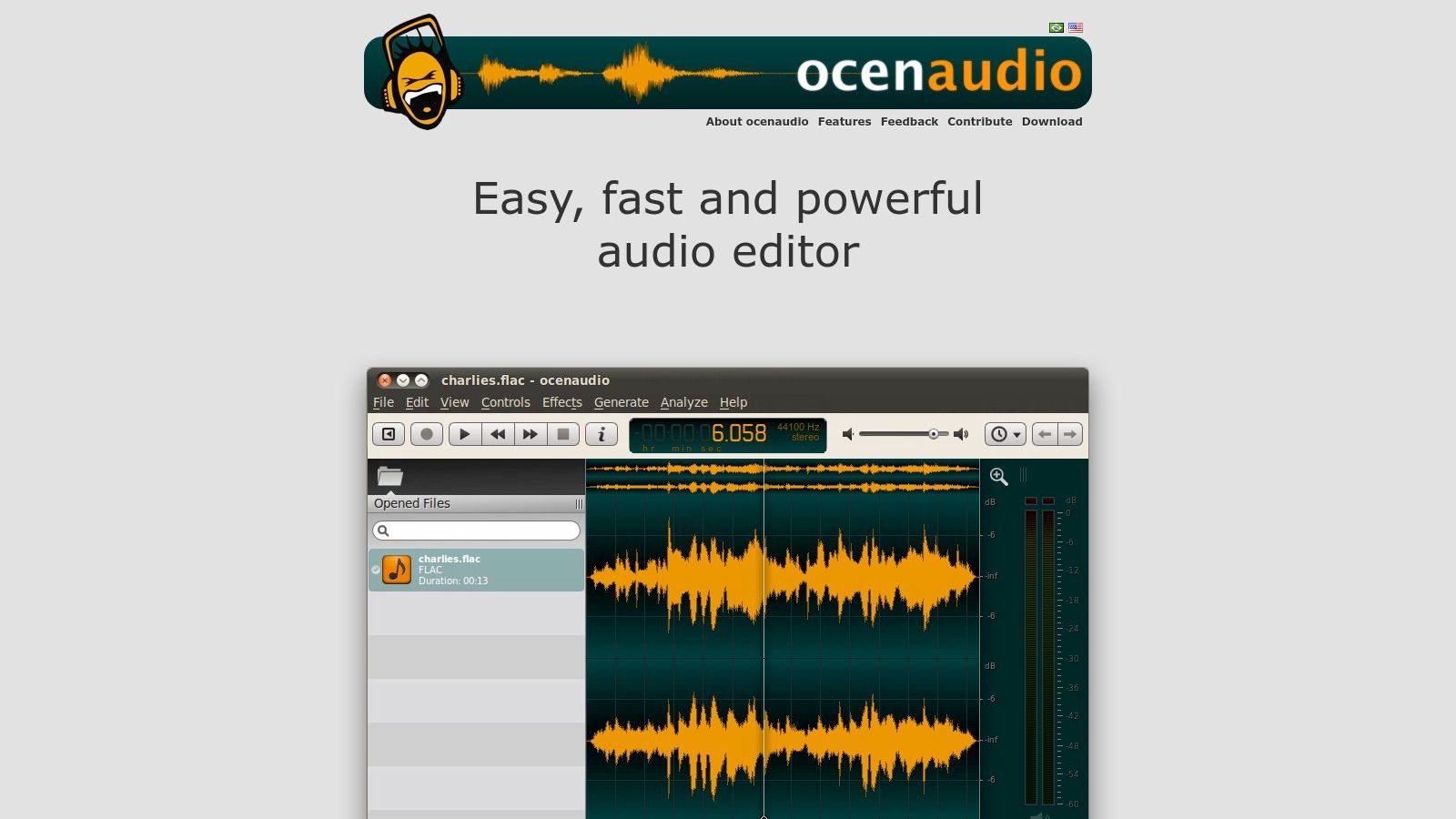
While it isn't designed for building complex, multi-layered episodes from scratch, its modern interface and responsive performance make it a joy to use for focused tasks. The real-time preview of effects like EQ and compression is a game-changer for beginners, as you can hear your changes instantly before committing them. This immediate feedback loop helps you develop an ear for audio engineering and learn what sounds best for your voice without the trial-and-error frustration common in other software.
Why It Makes the List
Ocenaudio earns its spot as one of the best free podcast editing software options due to its incredible ease of use and efficiency. It’s the perfect companion tool for podcasters who want a fast, no-fuss editor for single-track cleanup before moving to a more complex production environment.
- Best For: Podcasters who need a fast, simple tool for quick edits, vocal cleanup, and applying effects to single audio files with an instant preview.
- Standout Feature: The real-time effects preview is its killer app. Hearing how an EQ or gain adjustment will sound as you tweak the settings is incredibly intuitive and saves a massive amount of time.
- Price: Completely free.
- Availability: Downloadable for Windows, macOS, and Linux at www.ocenaudio.com/en.
Pros & Cons
| Pros | Cons |
|---|---|
| Very easy learning curve and modern UI | Not a full multitrack production environment |
| Efficiently handles very large audio files | Fewer built-in effects compared to larger DAWs |
| Real-time preview makes applying effects fast | Best suited as a companion tool, not a standalone DAW |
Ocenaudio is fantastic for quick, surgical edits, but building an entire episode with music, ads, and multiple speakers is beyond its scope. When your ambition outgrows simple tools, it's a clear signal to explore a more streamlined workflow. Partnering with a professional production service like Flexwork Studios removes the technical ceiling entirely, letting you focus on creating dynamic conversations while experts handle the complex layering and mastering.
3. Pro Tools Intro
Pro Tools is the software you’ll find in nearly every major recording studio, and Pro Tools Intro is your free ticket to that world. This isn’t a watered-down toy; it’s a streamlined version of the industry-standard digital audio workstation (DAW) designed to teach you the professional workflow from day one. For creators with ambitions to scale their production quality, learning on Pro Tools Intro is like training in a pro-level gym.
While the eight-track limit might seem restrictive, it’s more than enough for most podcast formats. You can easily manage a host track, a guest track, intro/outro music, and a few sound effect layers. It includes over 35 professional Avid plug-ins, giving you powerful tools for EQ, compression, and other vocal enhancements right out of the box. The real value is getting comfortable with a system used by top audio engineers, making it a powerful stepping stone.
Why It Makes the List
Pro Tools Intro secures its spot in our list of the best free podcast editing software because it provides a direct, no-cost pathway to learning an industry-standard platform. It’s an investment in your skills, not just a tool for one-off projects.
- Best For: Aspiring audio engineers and podcasters who want to learn professional-grade software and prepare for future industry work.
- Standout Feature: The session file format (.ptx) is identical to the paid versions, ensuring seamless project compatibility if you ever upgrade or work with a professional studio.
- Price: Completely free, but requires an Avid account and iLok license management.
- Availability: Downloadable for Windows and macOS at my.avid.com/get/pro-tools-intro.
Pros & Cons
| Pros | Cons |
|---|---|
| Trains you on an industry-standard workflow | Strict 8-audio-track limit |
| Includes professional-quality Avid plug-ins | Requires Avid and iLok accounts for activation |
| Seamless project migration to paid versions | Community-only support for the free version |
Learning a professional DAW like Pro Tools Intro is a fantastic skill, but it also highlights the time and expertise required for high-end audio production. For creators who prefer to focus on their message rather than the technical nuances of editing, Flexwork’s production packages offer a streamlined path to achieving that same polished, professional sound without the steep learning curve.
4. GarageBand
For anyone in the Apple ecosystem, GarageBand is the smoothest on-ramp to podcasting. This free digital audio workstation (DAW) comes pre-installed on most Macs and is a powerhouse hiding in plain sight. It offers an intuitive, drag-and-drop interface that makes multitrack editing feel less like audio engineering and more like creative storytelling. You can easily record multiple speakers, add music, and trim segments with a professional polish that belies its zero-cost price tag.
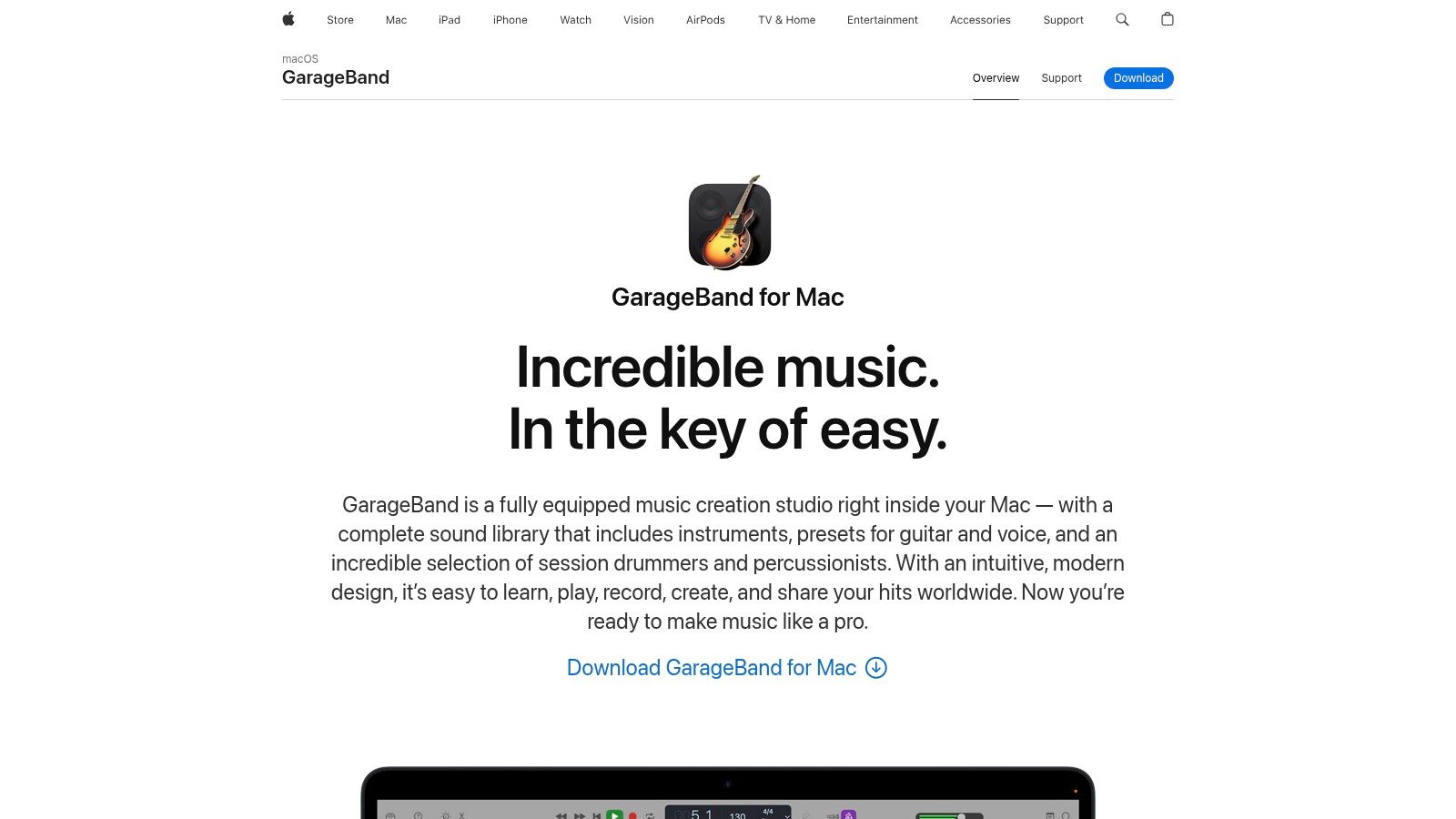
While GarageBand started as a tool for musicians, its podcasting features are surprisingly deep. You can layer up to 255 audio tracks, giving you ample room for dialogue, stingers, and sound effects. The built-in EQ and compression plugins are simple yet effective for enhancing vocal presence and ensuring consistent volume levels. This makes it an ideal choice for creators who want to achieve a high-quality sound without getting lost in technical jargon.
Why It Makes the List
GarageBand earns its spot as one of the best free podcast editing software options because of its seamless integration and user-friendly design. It removes technical barriers, allowing Apple users to start creating high-quality audio content almost immediately.
- Best For: Beginners and podcasters who exclusively use Apple devices (Mac, iPhone, iPad) and value a clean, intuitive workflow.
- Standout Feature: The seamless iCloud integration allows you to start a recording on your iPhone and finish editing it on your Mac, offering incredible flexibility for on-the-go creators.
- Price: Completely free.
- Availability: Pre-installed on macOS and available as a free download from the App Store for iOS at apple.com/mac/garageband.
Pros & Cons
| Pros | Cons |
|---|---|
| Free and polished workflow on Apple devices | Available only on macOS and iOS |
| Low barrier to entry with strong learning resources | Fewer broadcast-specific loudness tools compared with pro DAWs |
| Excellent integration between Mac and iOS versions | Limited plugin support compared to other DAWs |
GarageBand is fantastic for building your skills, but its limitations become clear as your show grows. When you’re ready to graduate from DIY editing and achieve broadcast-quality audio without the learning curve, professional production services at Flexwork Studios provide the polish and expertise to elevate your content.
5. DaVinci Resolve (Fairlight)
DaVinci Resolve might seem like an unexpected entry, as it's renowned in the film industry for professional video editing and color grading. However, tucked inside this powerhouse is Fairlight, a full-fledged digital audio workstation (DAW) that offers some of the most advanced audio tools available in any free software. For creators producing video podcasts or who want an all-in-one production suite, Resolve is a game-changer.
The Fairlight page provides a professional mixing console, precise editing tools, and powerful audio processing effects like EQ, dynamics, and dialogue cleanup. While it can feel like overkill for a simple audio-only podcast, its capabilities are unmatched if you need to sync audio to video. You can manage multitrack recordings, apply studio-grade effects, and export your final episode without ever leaving the application. This integrated workflow is a massive time-saver for serious creators who value efficiency and high production values.
Why It Makes the List
DaVinci Resolve earns its spot by offering a professional-grade audio post-production suite for free, making it one of the best free podcast editing software options for video podcasters. It’s an integrated solution that eliminates the need to jump between separate video and audio editors.
- Best For: Video podcasters and creators who need a single, powerful application for both high-end audio and video production.
- Standout Feature: The integrated Fairlight audio page offers an entire professional DAW inside a video editor, complete with a visual mixer and advanced track layering.
- Price: The standard version is completely free.
- Availability: Downloadable for Windows, macOS, and Linux at www.blackmagicdesign.com/products/davinciresolve.
Pros & Cons
| Pros | Cons |
|---|---|
| Professional audio tools (EQ, compression) for free | High system requirements; needs a powerful computer |
| All-in-one solution for audio and video podcasting | Steep learning curve for beginners |
| Seamlessly integrates with video editing and color grading | Overkill for creators doing simple audio-only podcasts |
While Resolve offers incredible power, its complexity can be a significant hurdle. For creators who want to achieve that professional studio sound without navigating a complex DAW, a managed production service can be a more direct path to polished content. This approach lets you focus on your performance, leaving the technical mixing and mastering to seasoned audio engineers.
6. Descript
Descript flips the script on traditional audio editing by turning your podcast into a document. Instead of manipulating waveforms, you edit the auto-generated transcript, and the audio follows suit. This text-based approach is revolutionary for dialogue-heavy podcasts, allowing you to cut filler words, fix mistakes, and rearrange segments as easily as editing a document. It’s an incredibly intuitive and fast way to assemble a narrative.
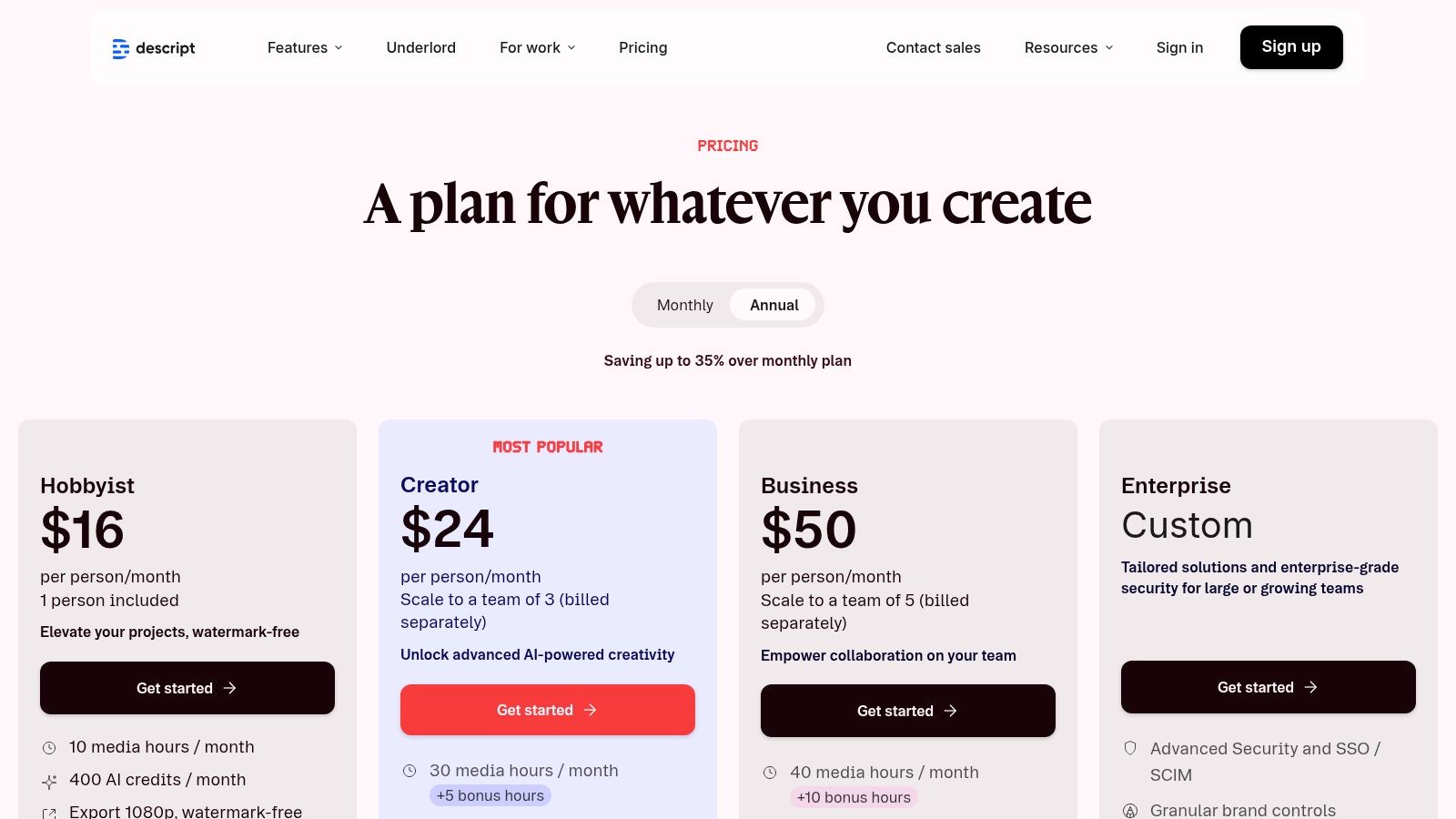
The free plan is surprisingly powerful, offering transcription, 720p video export, and access to its signature AI tools. Features like "Studio Sound" can make a tinny home recording sound like it was captured in a professional booth, while the filler word removal can clean up an entire interview in seconds. This makes it one of the best free podcast editing software options for creators focused on speed and efficiency. For those seeking even more advanced production tools, exploring a curated list of the best tools for content creators can provide additional high-impact solutions.
Why It Makes the List
Descript earns its spot by reimagining the editing workflow entirely. It prioritizes content and conversation over technical waveform manipulation, making professional-level editing accessible to creators who are more comfortable with words than with timelines. Its AI-powered features are a massive time-saver.
- Best For: Narrative podcasters, interview-based shows, and content creators who want the fastest possible workflow for editing spoken-word audio and creating social media clips.
- Standout Feature: The text-based editing is the star. The ability to simply highlight and delete a transcribed word or sentence to remove it from the audio track is a game-changer for speed.
- Price: Free plan available with limited transcription hours and features. Paid plans unlock more capabilities at descript.com/price.
- Availability: Downloadable desktop app for Windows and macOS that syncs with the browser.
Pros & Cons
| Pros | Cons |
|---|---|
| Very fast workflow for editing spoken-word content | Free plan has limited monthly transcription minutes |
| Powerful AI cleanup tools like Studio Sound | 720p export cap on the free tier |
| Easy collaboration and versioning for teams | Advanced features require upgrading to paid Creator/Pro tiers |
While Descript’s AI can dramatically improve your audio, it can't replace the expertise of a dedicated producer. For creators who demand flawless, broadcast-quality sound and a strategic production partner, Flexwork’s comprehensive management services offer a hands-off solution to elevate your podcast from a DIY project to a polished, professional series.
7. Riverside
Riverside has carved out a unique space by prioritizing one of the biggest podcasting headaches: remote recording quality. It functions primarily as a cloud-based studio that captures high-quality, uncompressed audio and video locally from each participant. This approach sidesteps the glitches and dropouts common with internet-based call recorders, ensuring your raw tracks are pristine before you even begin to edit. While its main strength is capture, its free plan includes a web-based editor that’s surprisingly useful.
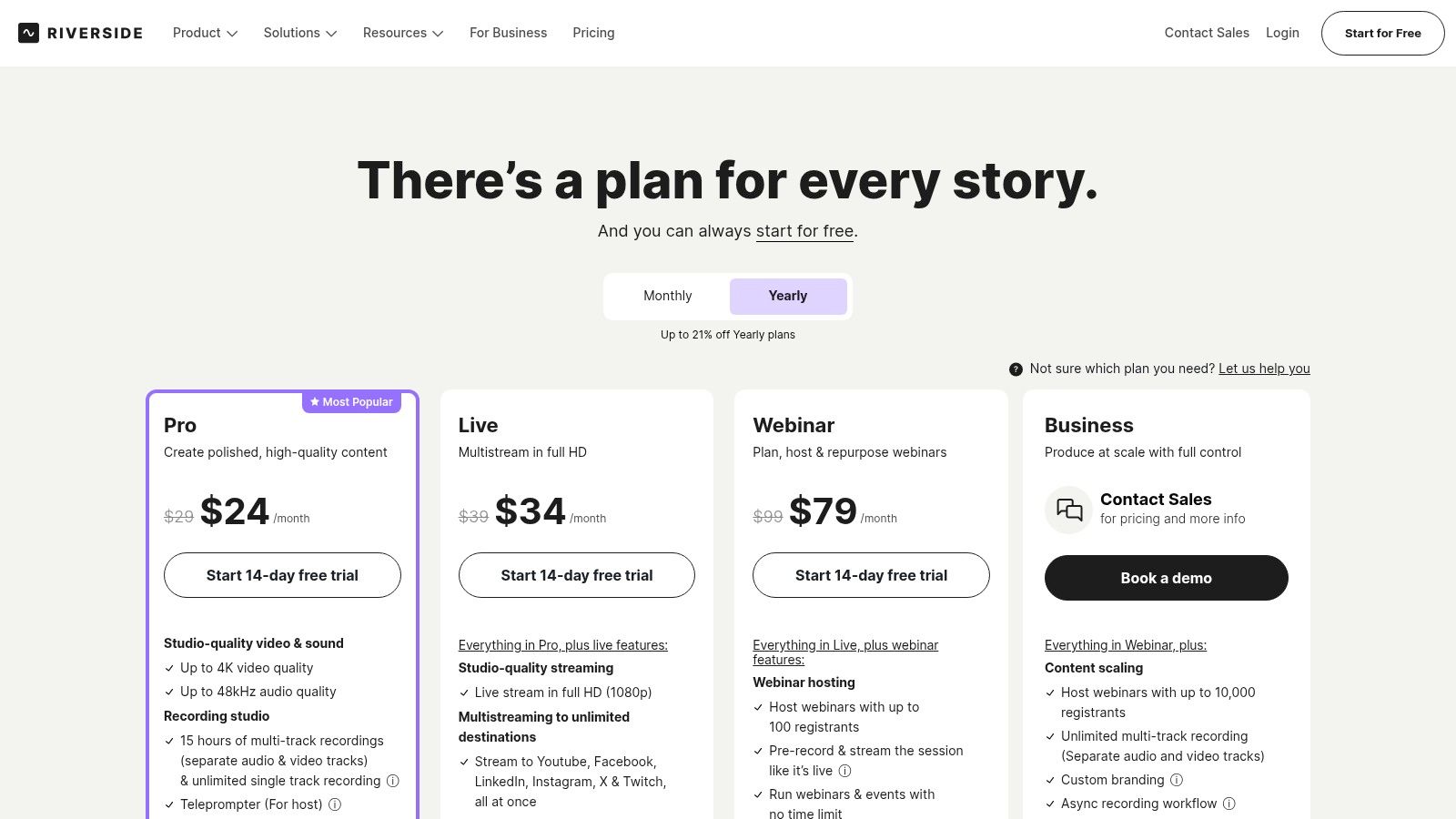
The platform is built for creators who value a streamlined workflow. After recording, your separate tracks are available in its text-based editor, allowing you to edit your audio by simply deleting words from the automatically generated transcript. This is a game-changer for quick edits. The free plan offers unlimited single-track recording and editing, which is perfect for solo episodes or repurposing interview audio.
Why It Makes the List
Riverside secures its spot in our list of the best free podcast editing software because it brilliantly solves the remote recording problem while bundling in an intuitive editor. It simplifies a highly technical process, making it accessible to anyone.
- Best For: Podcasters who frequently interview remote guests and want to guarantee high-quality audio from both sides of the conversation.
- Standout Feature: The local recording technology. It records audio and video directly on each participant's device before uploading, making internet stability a non-issue for final quality.
- Price: Free plan available with limited multi-track hours; paid plans offer more features.
- Availability: Web-based platform accessible at riverside.fm/pricing.
Pros & Cons
| Pros | Cons |
|---|---|
| Excellent remote recording quality | Free plan limits multi-track recording hours |
| Intuitive text-based editing simplifies the process | Video exports on the free plan are watermarked |
| Guests can join with one click, no software needed | Relies on Chrome for the best recording performance |
While Riverside is excellent for capturing clean audio, the editing tools are designed for speed, not depth. To achieve a truly professional, broadcast-quality sound, partnering with a dedicated production service is the next logical step. The experts at Flexwork Studios can take your perfectly recorded Riverside tracks and apply advanced mixing, mastering, and sound design to elevate your podcast to a premium level.
8. Adobe Podcast (Enhance & Studio)
Adobe Podcast is less of a full-fledged editor and more like an AI-powered magic wand for your audio. This web-based suite of tools is designed for podcasters who need quick, powerful audio cleanup without downloading or learning complex software. Its standout feature, Enhance Speech, uses AI to remove background noise and echo, making home recordings sound as if they were captured in a professional studio.
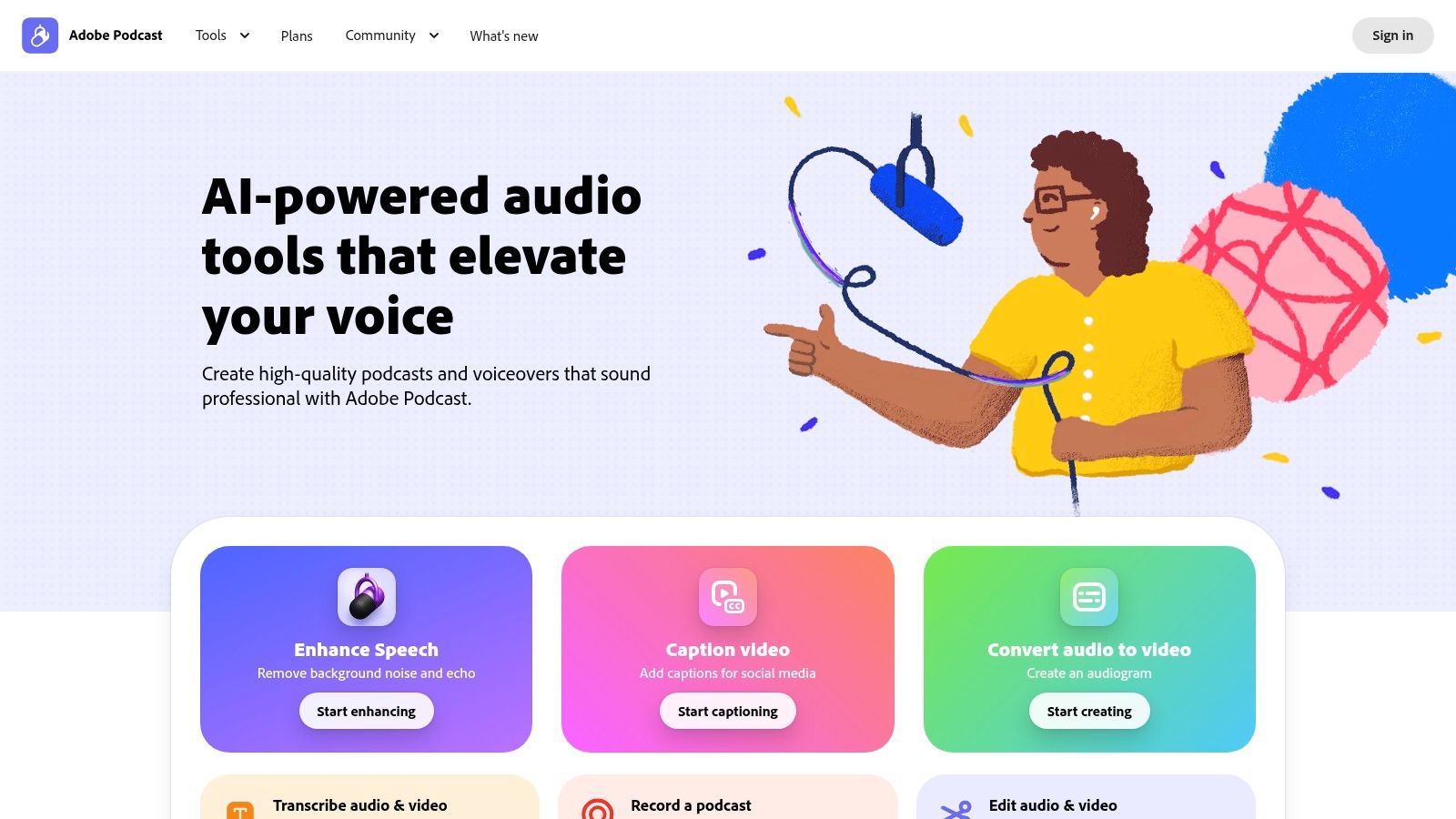
Beyond its impressive cleanup capabilities, Adobe Podcast also offers a browser-based Studio for multitrack recording and editing. While basic, it’s remarkably intuitive and includes AI-driven features like transcription-based editing. This allows you to edit your audio simply by editing the text transcript, a game-changer for creators who are more comfortable with words than waveforms. It's an incredibly efficient way to fix mistakes or tighten up an interview on the fly.
Why It Makes the List
Adobe Podcast earns its spot for democratizing high-end audio cleanup. The Enhance Speech tool alone is so effective it can salvage recordings that would otherwise be unusable, making it a crucial tool in our roundup of the best free podcast editing software.
- Best For: Podcasters recording in imperfect environments and creators needing quick, AI-driven audio fixes in a simple, web-based workflow.
- Standout Feature: The Enhance Speech AI is phenomenal. It processes your audio file and delivers a drastically cleaner, richer version that removes noise and reverb with one click.
- Price: Free with daily usage limits (e.g., 1 hour of Enhance per day).
- Availability: Accessible on the web at podcast.adobe.com/en.
Pros & Cons
| Pros | Cons |
|---|---|
| Exceptional AI-powered audio cleanup | Daily limits on the free plan for file length and usage |
| No installation required; completely browser-based | Not a full-featured, offline digital audio workstation |
| Simple, intuitive interface with transcription-based editing | Requires an internet connection and file uploads |
While Adobe Podcast is a fantastic tool for quick enhancements, its limitations can become a bottleneck for ambitious projects. For creators committed to achieving flawless, broadcast-quality sound consistently, partnering with a professional service like Flexwork Studios eliminates the guesswork. Our production packages provide the expert engineering and polish that AI tools simply can't replicate, ensuring your content always meets the highest standards.
9. Auphonic
Auphonic isn’t a traditional editor; it’s an intelligent, web-based audio "finisher." Think of it as the final, automated polish that elevates your audio from good to broadcast-ready. After you’ve made your cuts and edits in another program, you upload your final file to Auphonic, and its algorithms work their magic. It automatically levels voices, balances loudness to industry standards, and reduces unwanted background noise and reverb.
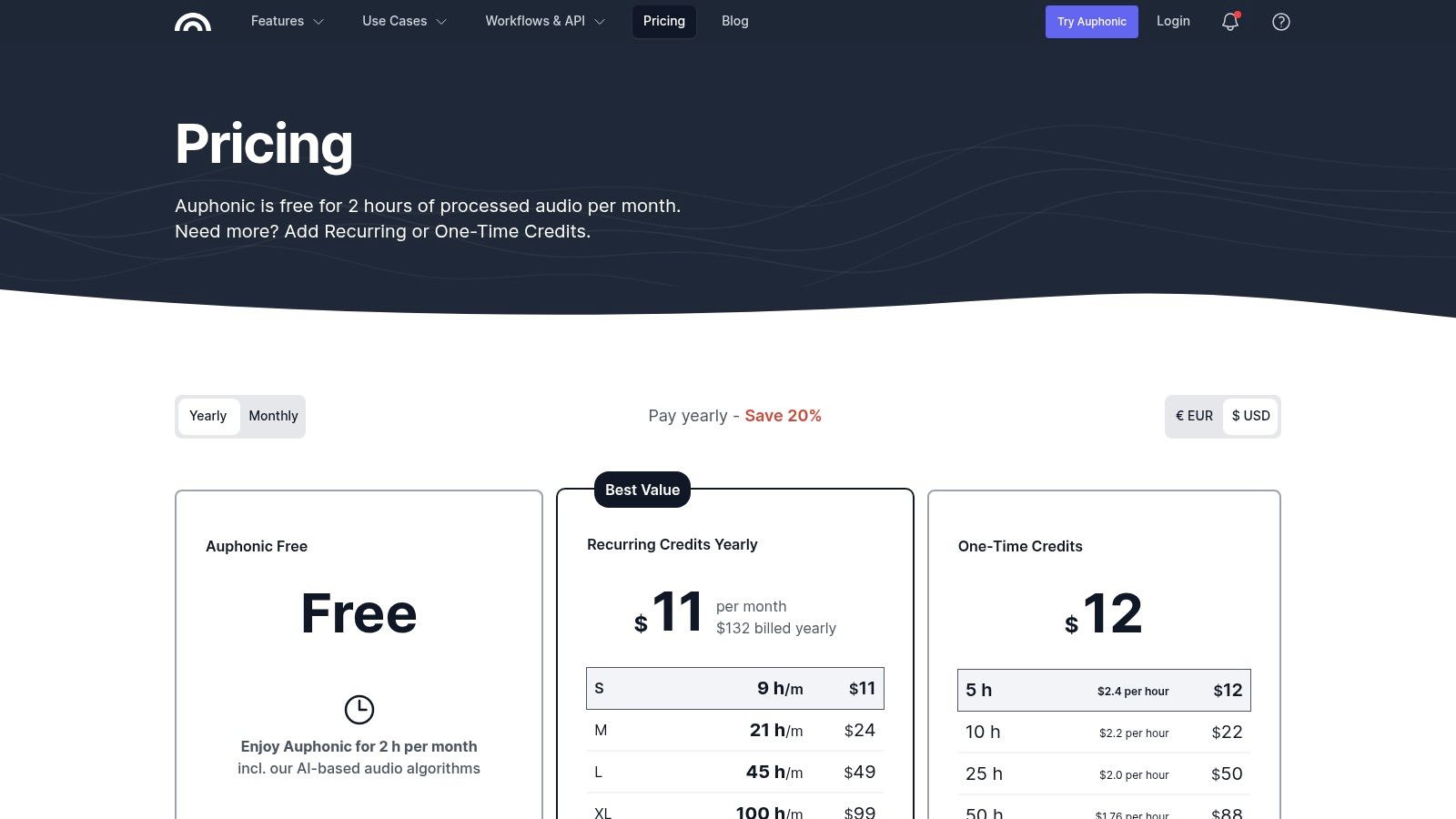
This service is perfect for creators who are confident in their content editing but lack the technical skills or time for advanced audio mastering. Instead of wrestling with compressors and limiters, you get a consistently professional-sounding final product with just a few clicks. The free tier gives you two hours of audio processing each month, making it an incredible resource for podcasters releasing weekly or bi-weekly episodes. It’s the secret weapon for achieving that polished, professional sound without a steep learning curve.
Why It Makes the List
Auphonic earns its spot because it automates the most difficult part of audio production: mastering. It’s an indispensable final step that ensures your audio is loud, clear, and compliant with all major listening platforms, delivering a premium listener experience every time.
- Best For: Podcasters who have their content editing workflow down but need a reliable, hands-off solution for final audio mastering and polishing.
- Standout Feature: The Intelligent Leveler and loudness normalization are game-changers. The platform analyzes your audio and makes precise adjustments to ensure consistent volume between speakers and compliance with standards like -16 LUFS for podcasts.
- Price: Free for up to 2 hours of processed audio per month.
- Availability: Web-based platform accessible at auphonic.com.
Pros & Cons
| Pros | Cons |
|---|---|
| Achieves professional loudness standards effortlessly | Free plan is limited to 2 hours of audio per month |
| Simple, one-click process saves significant time | Not an editor; requires a separate program for cuts |
| Excellent noise and hum reduction for home recordings | Advanced features like batch processing require paid plans |
While Auphonic provides an incredible automated polish, true audio perfection often requires a human touch. For creators aiming for that top-tier, flawless sound, managed production services offer the expertise and equipment to make every episode shine, taking your audio beyond automated fixes to a level of true professional engineering.
10. WavePad
WavePad by NCH Software presents itself as a user-friendly and accessible audio editor, making it a solid choice for creators who need to perform quick, straightforward edits without a steep learning curve. Its clean interface is less intimidating than a full-scale DAW, focusing on essential functions like trimming clips, silencing sections, and applying basic effects. It’s particularly useful for podcasters who need to make simple adjustments on the go, thanks to its availability on both desktop and mobile platforms.
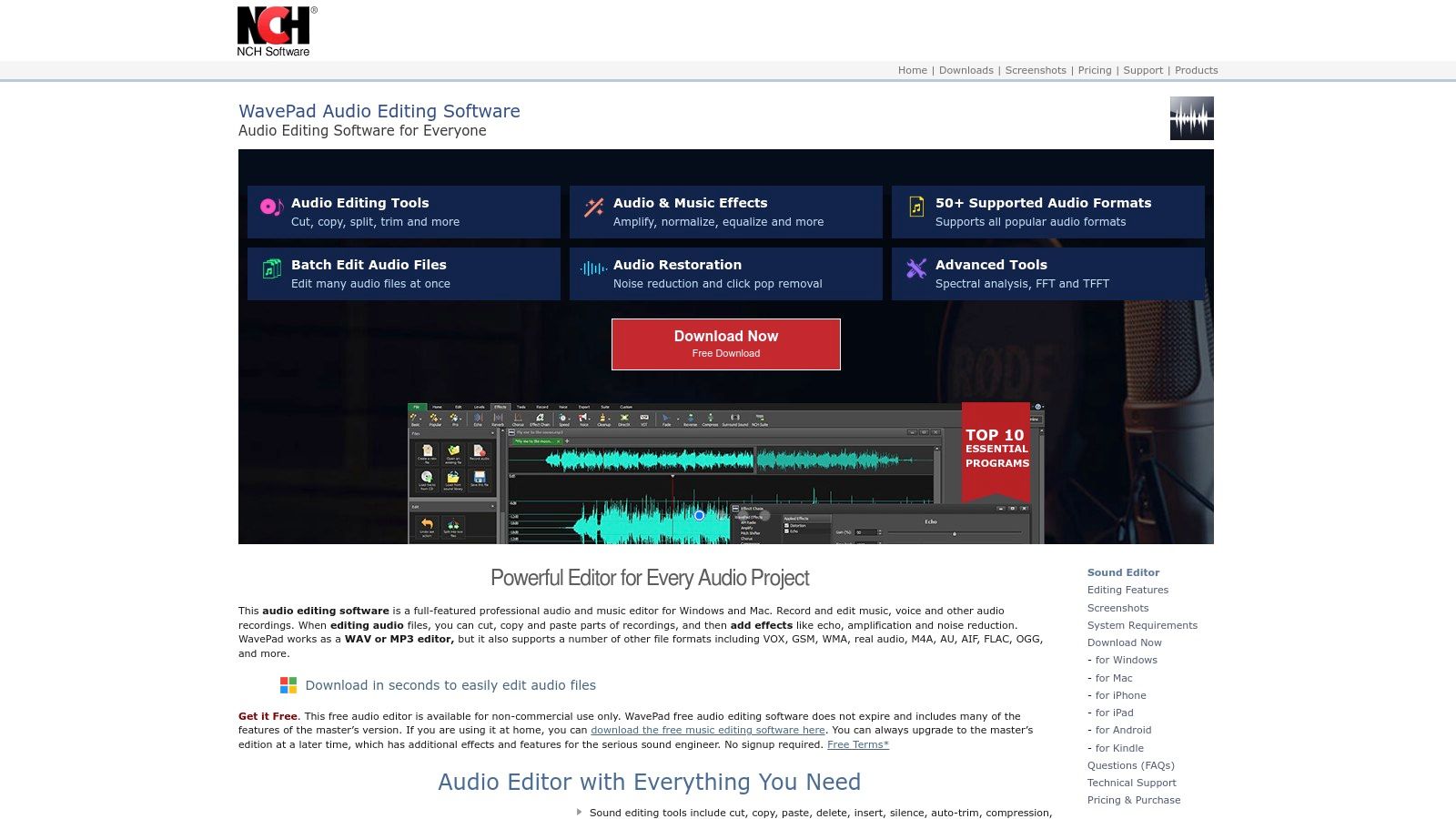
While the free version is designed for non-commercial use, it offers a good taste of the software's capabilities. You can access tools like noise reduction, an equalizer, and compression to improve your audio quality with minimal fuss. One of its more practical features is batch processing, which allows you to apply the same effect or conversion to multiple audio files at once, a real time-saver. This makes it a contender for those prioritizing simplicity and speed.
Why It Makes the List
WavePad earns its spot for its sheer accessibility and cross-platform convenience. It effectively bridges the gap between overly simplistic mobile apps and complex desktop DAWs, offering a balanced toolset for fundamental podcast editing tasks.
- Best For: Podcasters who need a simple tool for quick trims, basic audio cleanup, and edits across different devices, including their smartphone or tablet.
- Standout Feature: The multi-platform availability is its key advantage. Starting an edit on your desktop and finishing it with a quick trim on your phone is a workflow few other free tools can offer.
- Price: Free for non-commercial home use; paid versions unlock advanced features and commercial licensing.
- Availability: Downloadable for Windows, macOS, iOS, and Android at nch.com.au/wavepad.
Pros & Cons
| Pros | Cons |
|---|---|
| Simple, easy-to-navigate interface | The "free" license has non-commercial use restrictions |
| Cross-platform support (Windows, macOS, mobile) | Frequent prompts and upsells to upgrade to paid versions |
| Good for quick trims and basic effects | Key features like VST support are locked behind a paywall |
WavePad is an excellent tool for basic fixes, but achieving a truly professional, high-end sound requires more than just simple edits. For creators aiming to elevate their brand and produce polished content that captivates their audience, investing in professional production services is the next logical step. This ensures every episode meets the highest standards without you getting lost in the technical weeds.
11. Tracktion Waveform Free
For podcasters who think a free DAW means accepting limitations, Tracktion Waveform Free is here to shatter that expectation. While it’s designed with music producers in mind, its core architecture delivers a powerful, modern, and surprisingly capable environment for podcast production. The standout feature is its lack of restrictions: you get unlimited audio and MIDI tracks, a feature unheard of in most free-tier software. This makes it an excellent choice for complex productions involving multiple hosts, sound effects, and musical scores.
Unlike some of its open-source counterparts, Waveform Free boasts a sleek, single-screen interface that keeps your workflow efficient. It fully supports third-party VST plugins, allowing you to expand your toolkit with specialized EQs, compressors, and noise reduction tools as your skills grow. While the interface has a learning curve due to its music-centric layout, the underlying power makes it a formidable tool for creators willing to look beyond traditional podcasting software.
Why It Makes the List
Waveform Free earns its spot because it removes the artificial track limits imposed by competitors. This freedom allows you to build sophisticated, layered podcast episodes without ever hitting a paywall for core functionality.
- Best For: Technically inclined podcasters, producers creating narrative-style shows, and anyone needing unlimited tracks for complex audio arrangements.
- Standout Feature: The complete lack of audio track limitations in the free version. You can stack as many vocal, music, and effects tracks as your computer can handle.
- Price: Completely free.
- Availability: Downloadable for Windows, macOS, and Linux at tracktion.com/products/waveform-free.
Pros & Cons
| Pros | Cons |
|---|---|
| Unlimited audio tracks at no cost | The user interface is heavily geared toward music creation |
| Modern, efficient single-window workflow | Steeper learning curve for pure podcasting beginners |
| Full support for third-party VST plugins | Some advanced features are reserved for the paid Pro version |
While Waveform Free offers immense creative freedom, mastering a music-focused DAW for podcasting can feel like a distraction from your primary goal: creating compelling content. For creators who want professional results without the technical deep-dive, Flexwork Studios offers a streamlined path. Our production packages handle the entire editing and mixing process, ensuring your podcast sounds polished and ready for your audience from day one.
12. TwistedWave
TwistedWave is the audio editor for creators on the move who value speed and simplicity. It carves out a unique niche by offering a powerful, browser-based editor that requires zero installation. This makes it perfect for making quick trims, adjusting levels, or applying effects from any computer with an internet connection. Just upload your file, make your changes, and export. It’s a streamlined workflow that respects your time and avoids bogging down your machine with another software install.
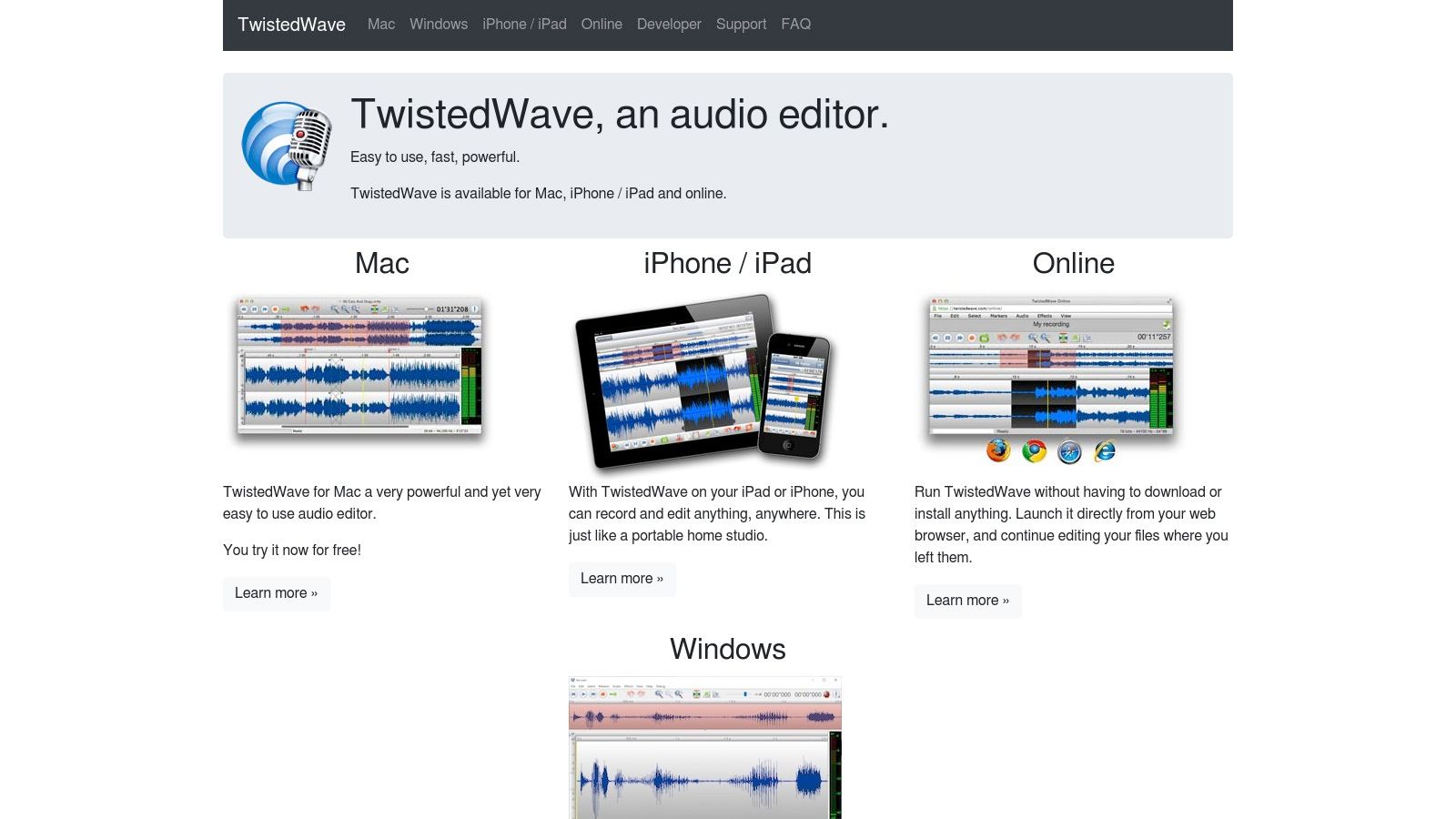
While the online version is its main draw for instant access, TwistedWave also offers dedicated desktop apps. This ecosystem approach means you can start a simple edit in your browser and finish with more advanced tools on your desktop if you choose to upgrade. The interface across all platforms is clean and intuitive, making it far less intimidating than more complex digital audio workstations. It focuses on core editing tasks and executes them flawlessly, providing a stable and reliable experience.
Why It Makes the List
TwistedWave secures its spot on our list of the best free podcast editing software because it brilliantly solves the problem of accessibility. Need to edit a file on a borrowed computer or make a last-minute fix away from your main workstation? The browser-based editor is your answer, offering a frictionless path from raw audio to a finished product without any setup.
- Best For: Podcasters who work on multiple devices, travelers, and anyone needing a reliable tool for quick, on-the-fly audio edits without software installation.
- Standout Feature: Its seamless browser-based editor. The ability to perform high-quality edits directly on a website is a game-changer for convenience and speed.
- Price: The online editor is free for files up to 5 minutes long. Paid plans and desktop licenses are available for longer audio.
- Availability: Accessible online at twistedwave.com/online, with desktop and mobile apps available for purchase.
Pros & Cons
| Pros | Cons |
|---|---|
| No installation required for the online editor | Free online version has a 5-minute duration limit |
| Clean, modern, and user-friendly interface | Full-featured desktop apps require a paid license |
| Available on nearly any device via a browser | Cloud storage for the free tier is limited and expires |
TwistedWave is an excellent tool for specific, fast-paced editing needs. However, as your podcast grows, the time spent on even simple edits accumulates. This is where professional production services become a strategic advantage. Instead of managing technical edits yourself, you can hand off your raw recordings to a team that ensures every episode sounds polished and professional, freeing you to focus on creating compelling content.
From DIY Editor to Industry Leader: When to Level Up
The journey starts here, in the trenches of DIY editing. This hands-on experience is invaluable; it teaches you the fundamentals of audio engineering and the art of storytelling through sound. This phase is crucial for developing your ear and understanding what makes a podcast sound professional. But as your show gains traction, a critical question emerges: is editing still the best use of your most finite resource? The hours spent meticulously removing every 'um', balancing audio, and mixing music are hours not spent on what truly scales your brand: guest outreach, content strategy, and monetization.
This is the inflection point where the most successful creators make a pivotal shift. They recognize that their time is better invested in the business, not on the tedious tasks that can be expertly outsourced. The ultimate upgrade is handing the reins to a dedicated production team. This is where your brand’s potential is truly unlocked. Imagine recording your episode and then simply moving on with your day, confident that a team of experts is handling every single post-production detail.
At Flexwork Studios, we designed our services for this exact moment. Exploring the latest AI tools for podcasters can streamline parts of your workflow, but nothing replaces the expertise of a dedicated team. Our “Market, Manage & Produce My Podcast” package is an end-to-end solution built for ambitious podcasters serious about growth. We don't just edit your audio; we engineer it.
Don't let editing overhead define the limits of your success. Your voice deserves a world-class platform, and your time is too valuable to be lost in a timeline. Elevate your podcast from a hobby to a high-impact media brand that commands attention.
Ready to trade the editing grind for strategic growth? At Flexwork Studios, we transform your raw recordings into a polished, professional series that captivates your audience. Explore our production packages and book a free studio tour today to discover how a professional partnership can accelerate your reach and redefine your brand.